How do I finish setting up my workspace?
Your dashboard shows a checklist "Get Telsmart ready in 5 steps" — work through the remaining steps one by one.
- Set up your microphone — give your browser access to your microphone.
- Add the number customers see — your caller ID or workspace number.
- Place your first call — for example, call the AI receptionist as a test.
- View a call summary — click "View summary" to see what the AI summary of a call looks like.
- Invite a team member — add a colleague to your workspace.
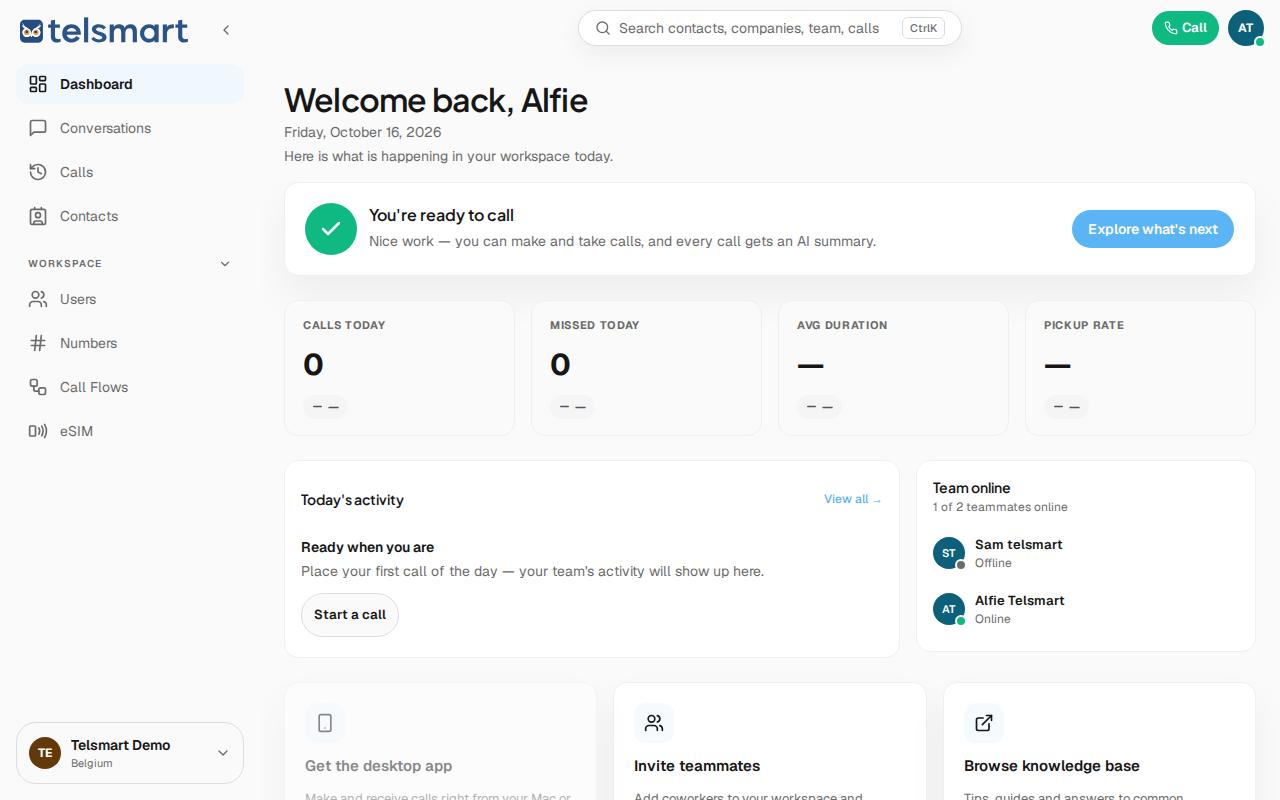
Good to know: you can skip any step with Skip if it doesn't apply right now. Once every step is done, the checklist turns into the message "You're ready to call."