How do I set my status to Busy or Away?
Click your avatar in the top right and choose Online, Busy, Away or In meeting — your colleagues see your status right away under "Team online".
- Click your avatar (your initials in the circle) in the top right of the toolbar.
- Choose a status: Online, Busy, Away or In meeting.
- Your avatar immediately gets the matching colored dot, and your new status is visible to your team.
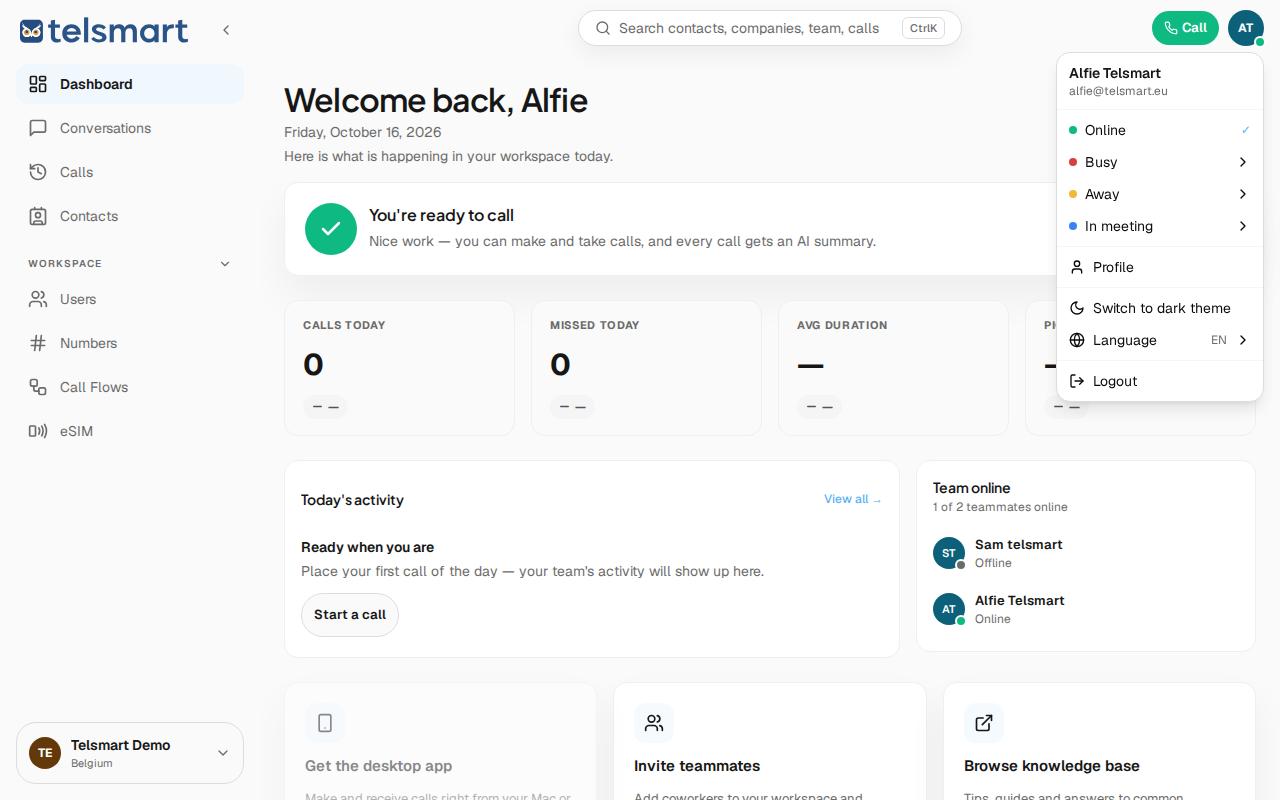
Good to know: Busy, Away and In meeting have an arrow (›) next to the name — those statuses have a submenu, for example to automatically switch back to Online after a while. Online itself doesn't have that arrow.