How to Add Holiday Dates or Office Hours to a Call Flow
How to Add Holiday Dates or Office Hours to a Call Flow
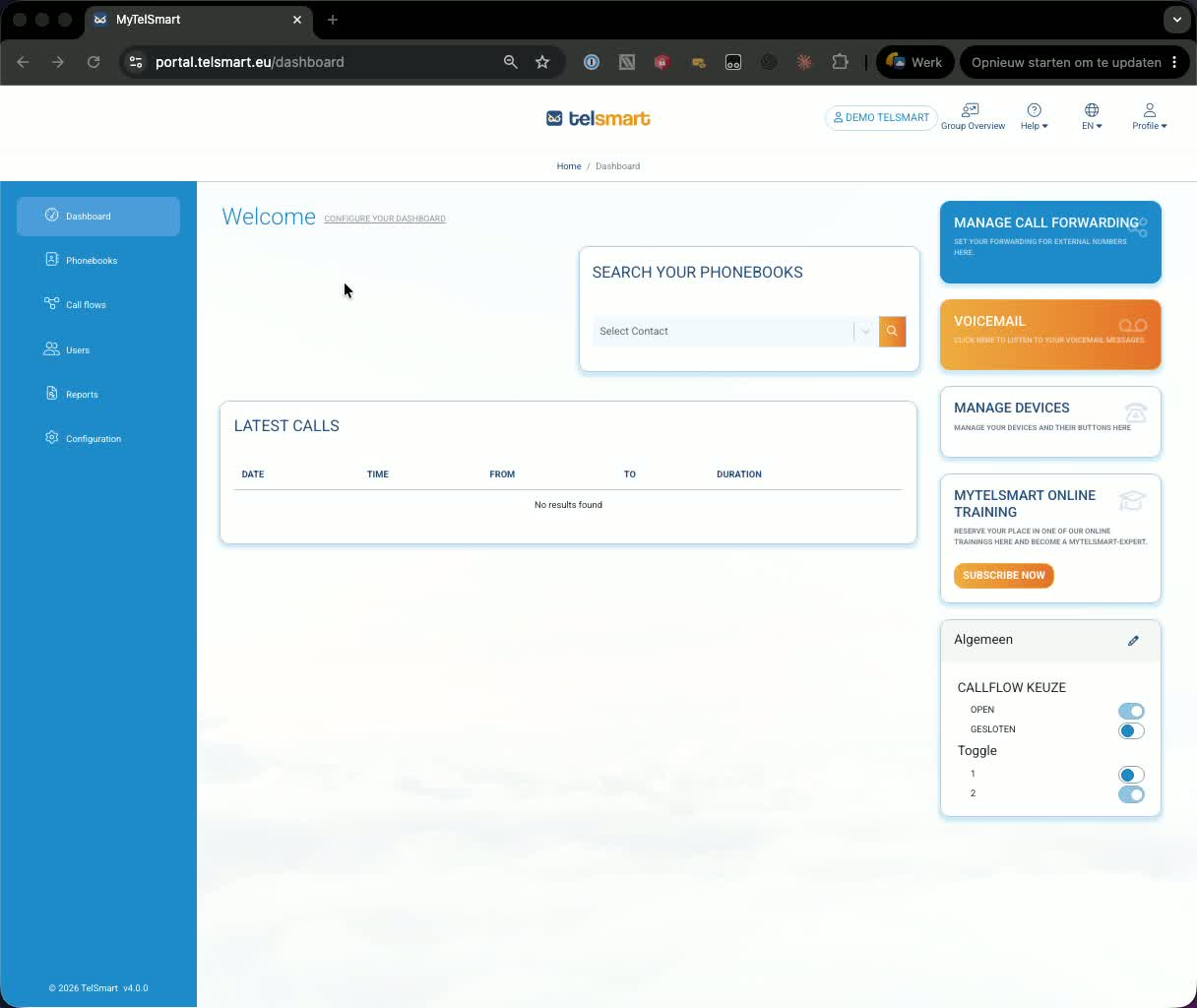
1. Open the call flow you want to edit 0:11
-
From the dashboard, go to Call Flows.
-
Select the call flow you want to update.
-
In the example, the flow currently routes an incoming call to an extension and then to voicemail after a delay.
2. Add a calendar or schedule decision block 0:45
-
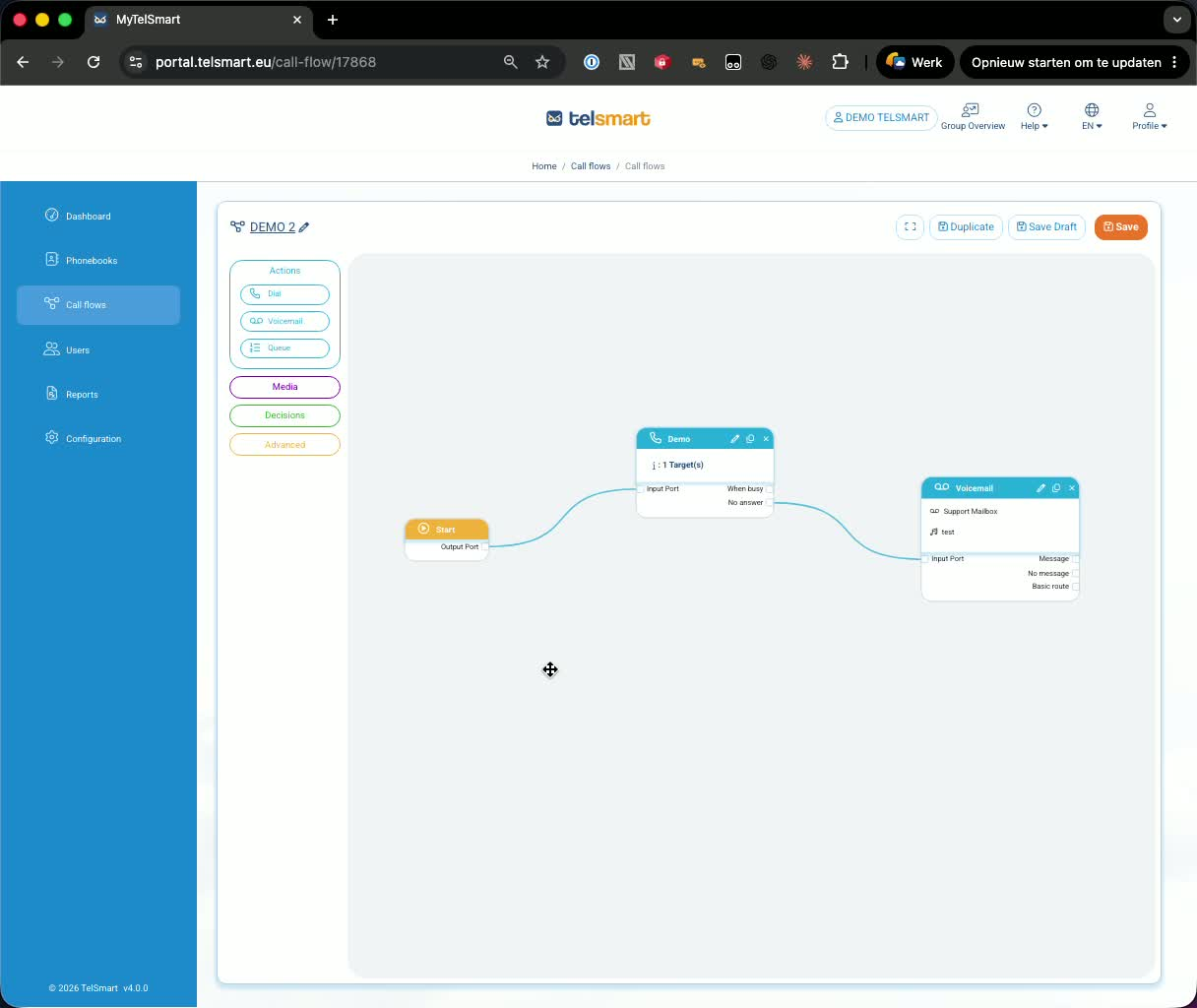
To route calls differently on specific dates or during office hours, add a Decision module.
-
Search for Calendar if you want a specific date-based rule, or use the Schedule module for recurring office hours.
-
Drag the calendar/schedule block into the call flow.
3. Configure a specific holiday date 1:03
-
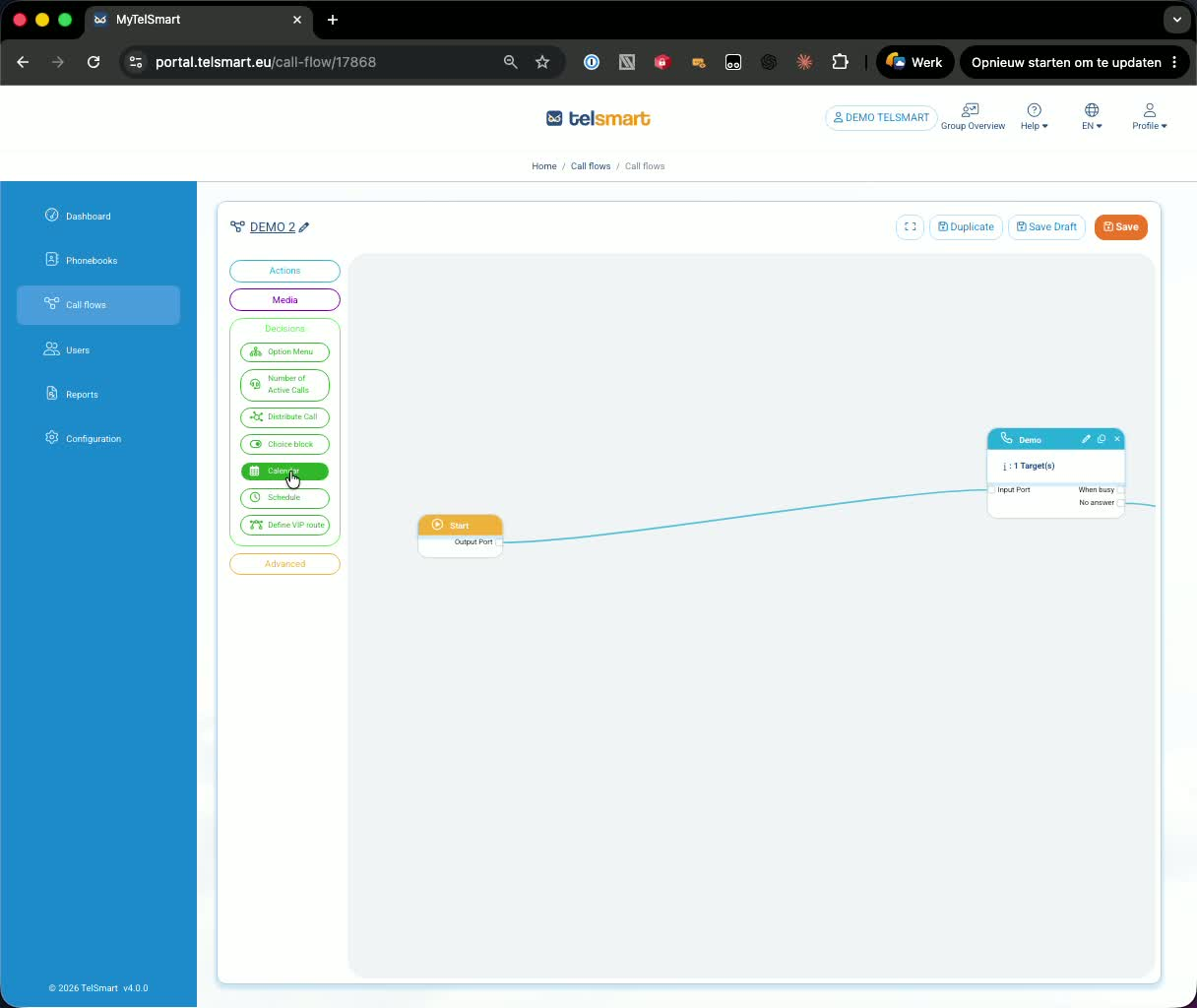
Select the calendar block and set the date you want to treat specially.
-
In the demo, the date is set to January 1st.
-
Define the time window for that date, such as 7:00 AM to 7:00 PM.
-
Confirm the settings to create the holiday rule.
4. Connect the holiday route to voicemail 1:49
-
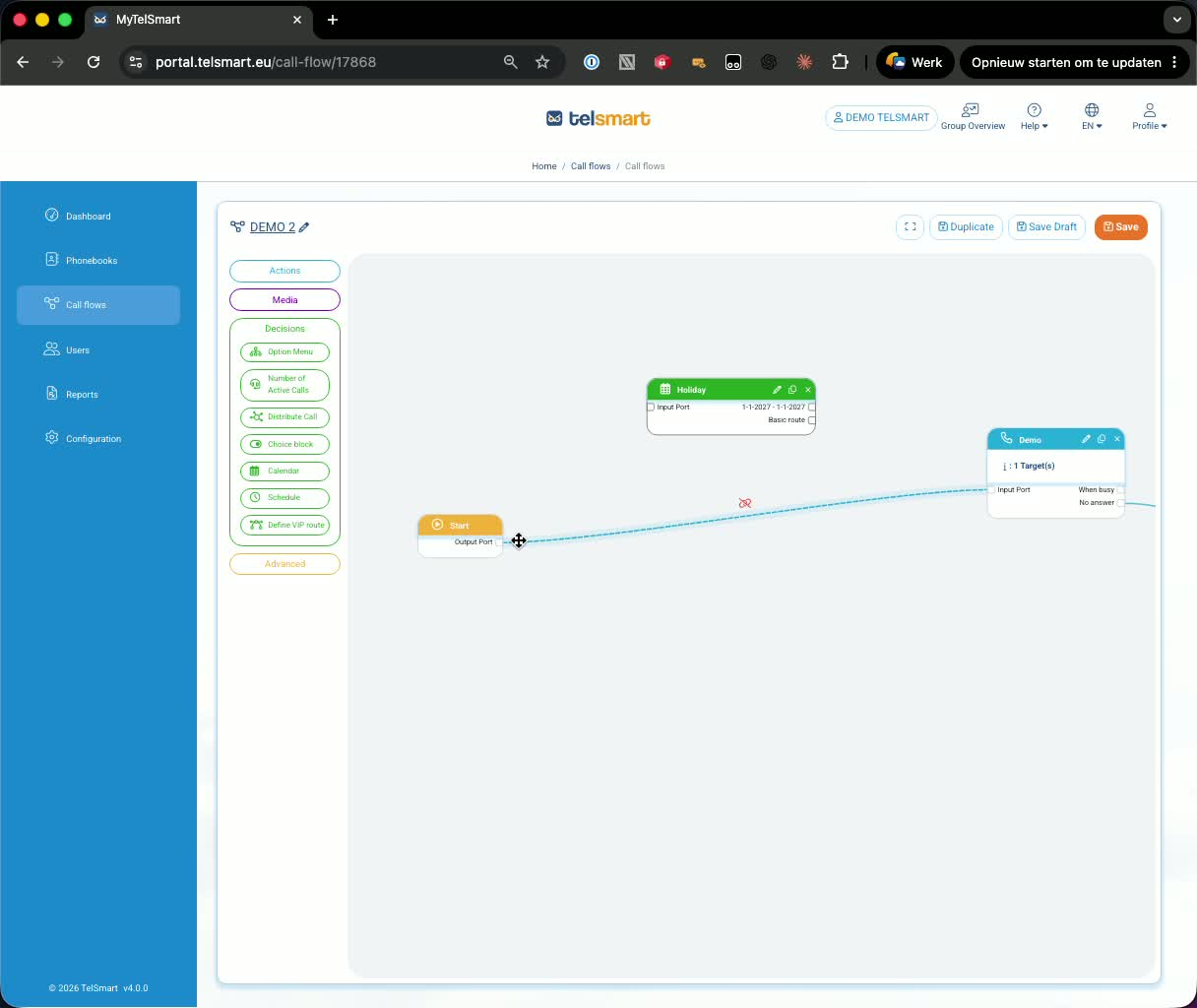
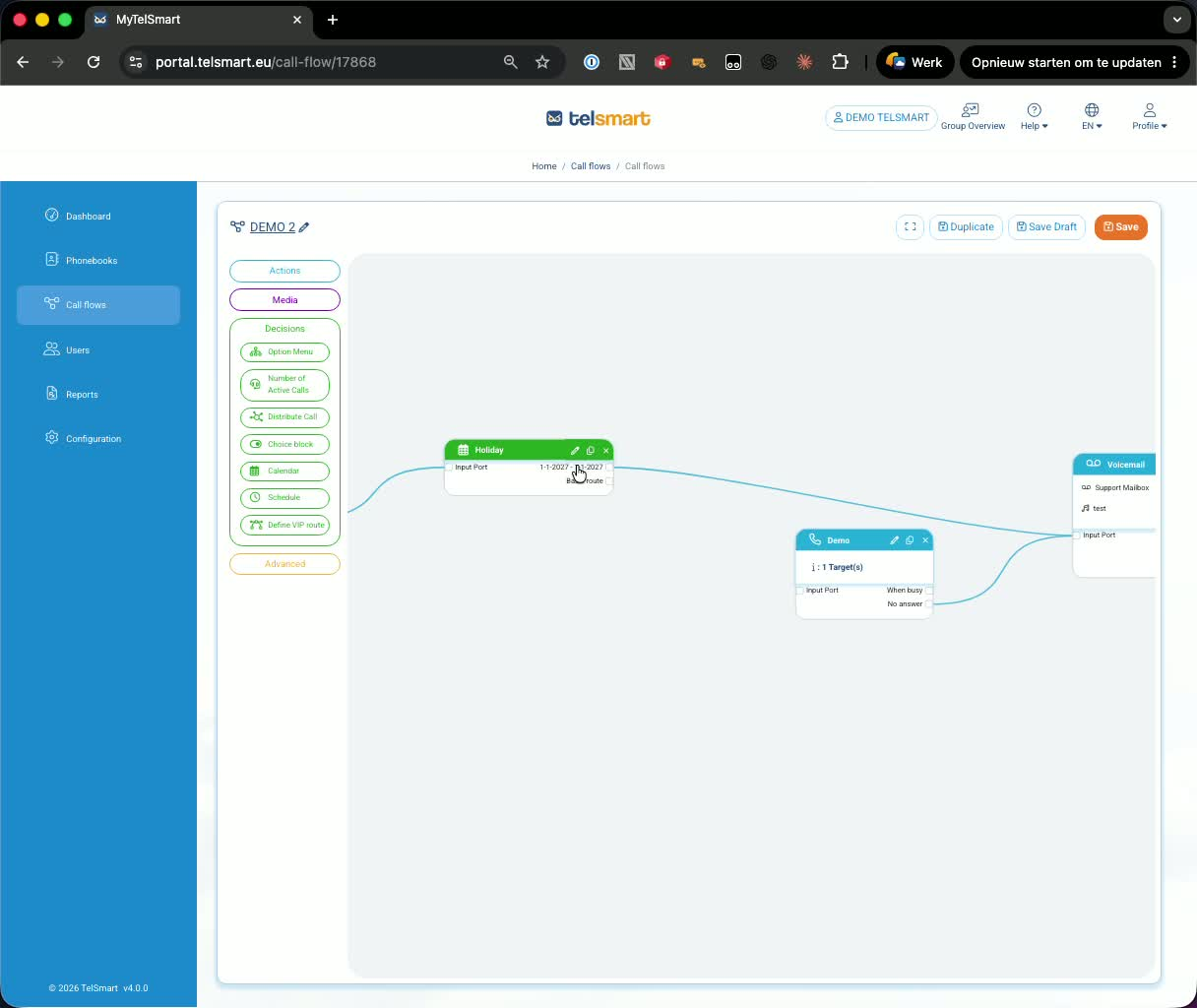
Connect the Start section to the calendar block’s input port.
-
Connect the calendar block’s date route to voicemail.
-
Make sure the basic route is also connected.
-
The basic route handles all calls that do not match the holiday rule.
5. Save the call flow after adding the basic route 2:08
-
You cannot save the flow unless the basic route is connected.
-
If it is missing, the system will show an error.
-
Once the basic route is in place, save the call flow.
-
Result: calls on the specified holiday go to voicemail, while all other calls follow the normal route.
6. Add office hours with the schedule module 2:48
-
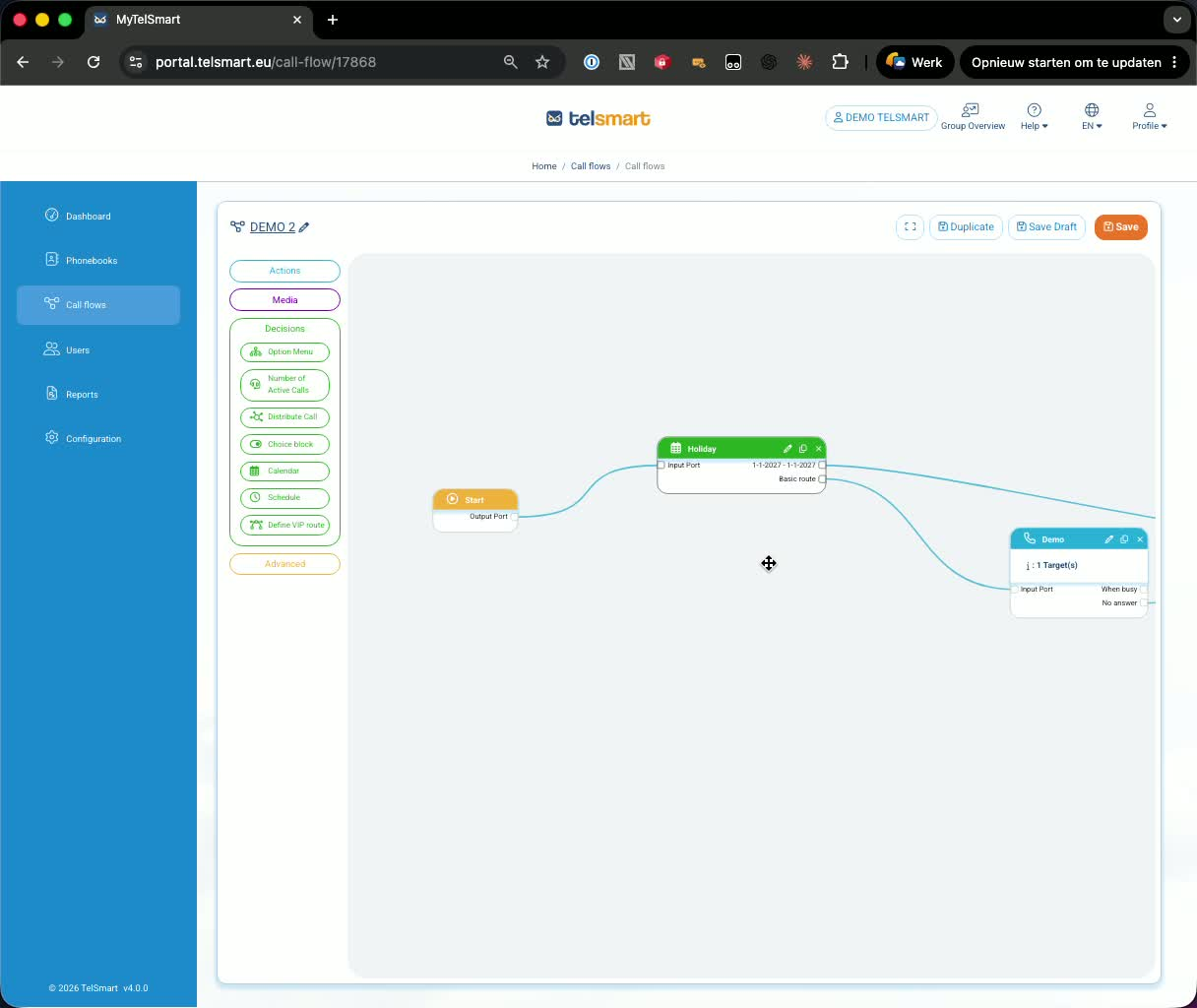
You can also use the Schedule module to define regular office hours.
-
Drag the schedule block into the flow and configure your working days and hours.
-
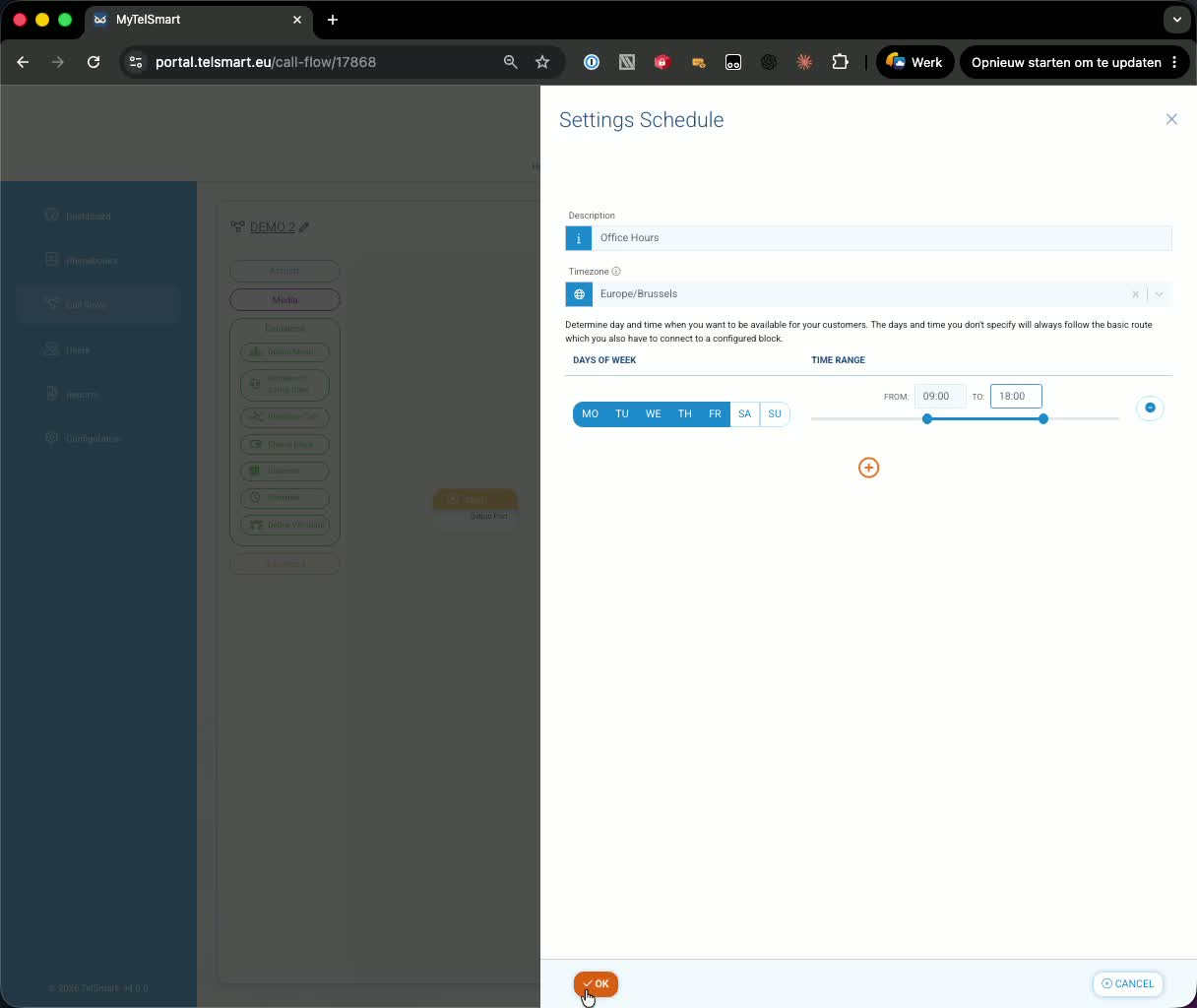
In the demo, the office hours are set to Monday–Friday, 9:00 AM to 6:00 PM.
-
Confirm the schedule settings.
7. Route office-hour and after-hours calls 3:22
-
Connect the Start section to the schedule block’s input port.
-
Connect the in-hours route to the normal call handling path.
-
Connect the basic route to voicemail for calls outside office hours, such as weekends.
-
Save the flow again to confirm the changes.