How to Change a User’s Name
How to Change a User’s Name
1. Open the Users section in the dashboard 0:00
-
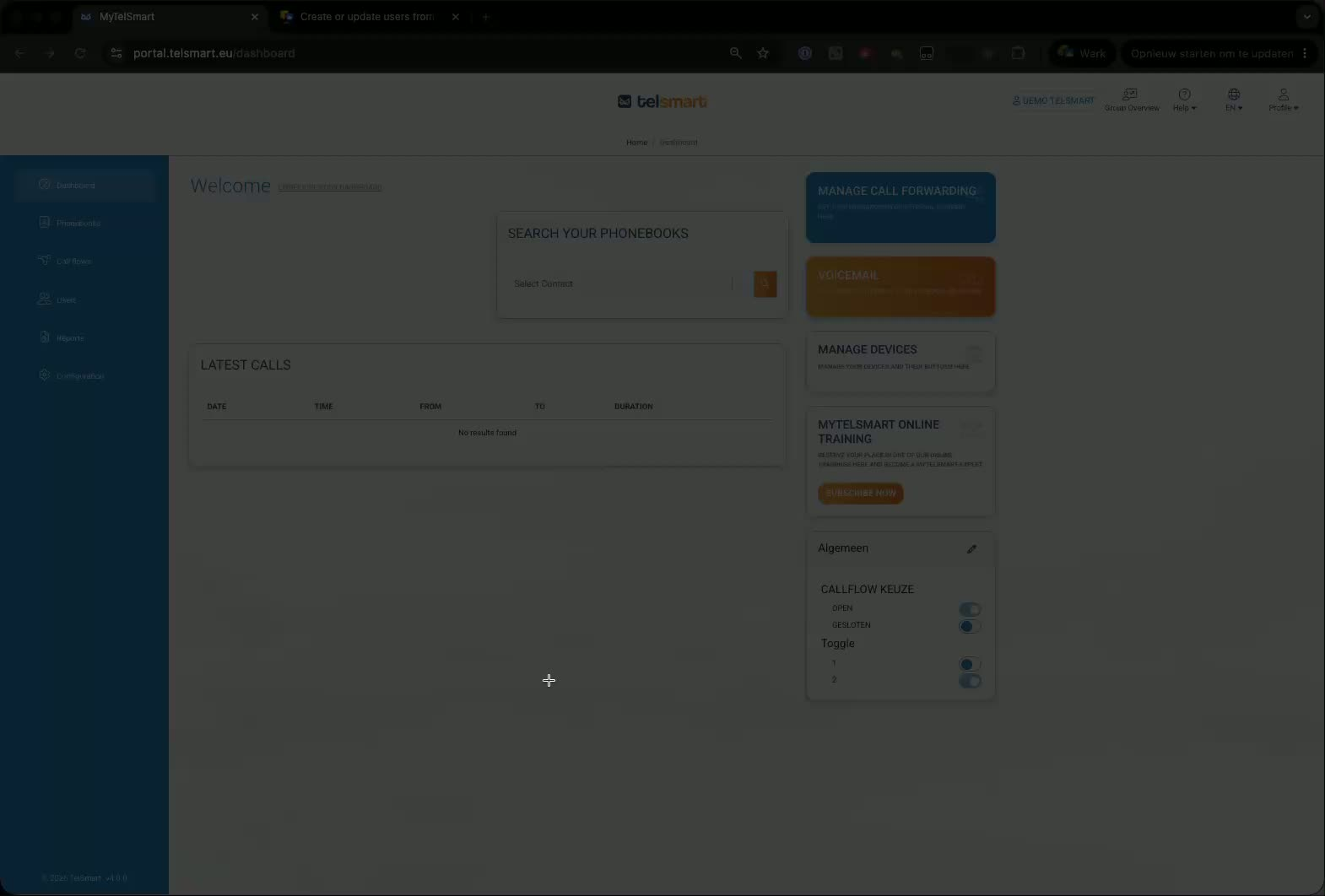
Go to the dashboard.
-
Click Users to view the list of users in your company.
-
This is where you can manage user details, including names.
2. Edit the user’s name 0:00
-
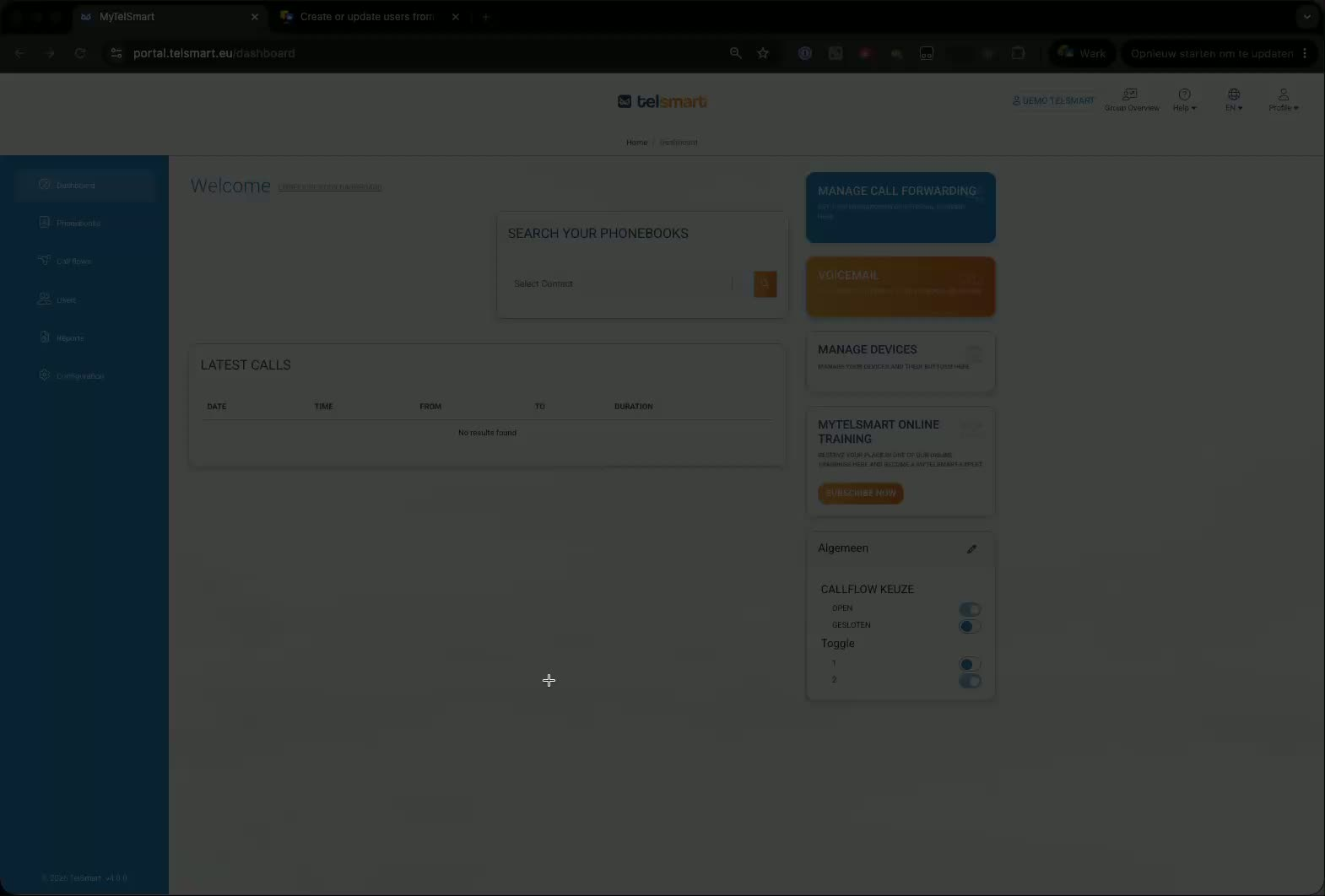
Find the user whose name needs to be updated.
-
Click the pencil/edit icon next to that user.
-
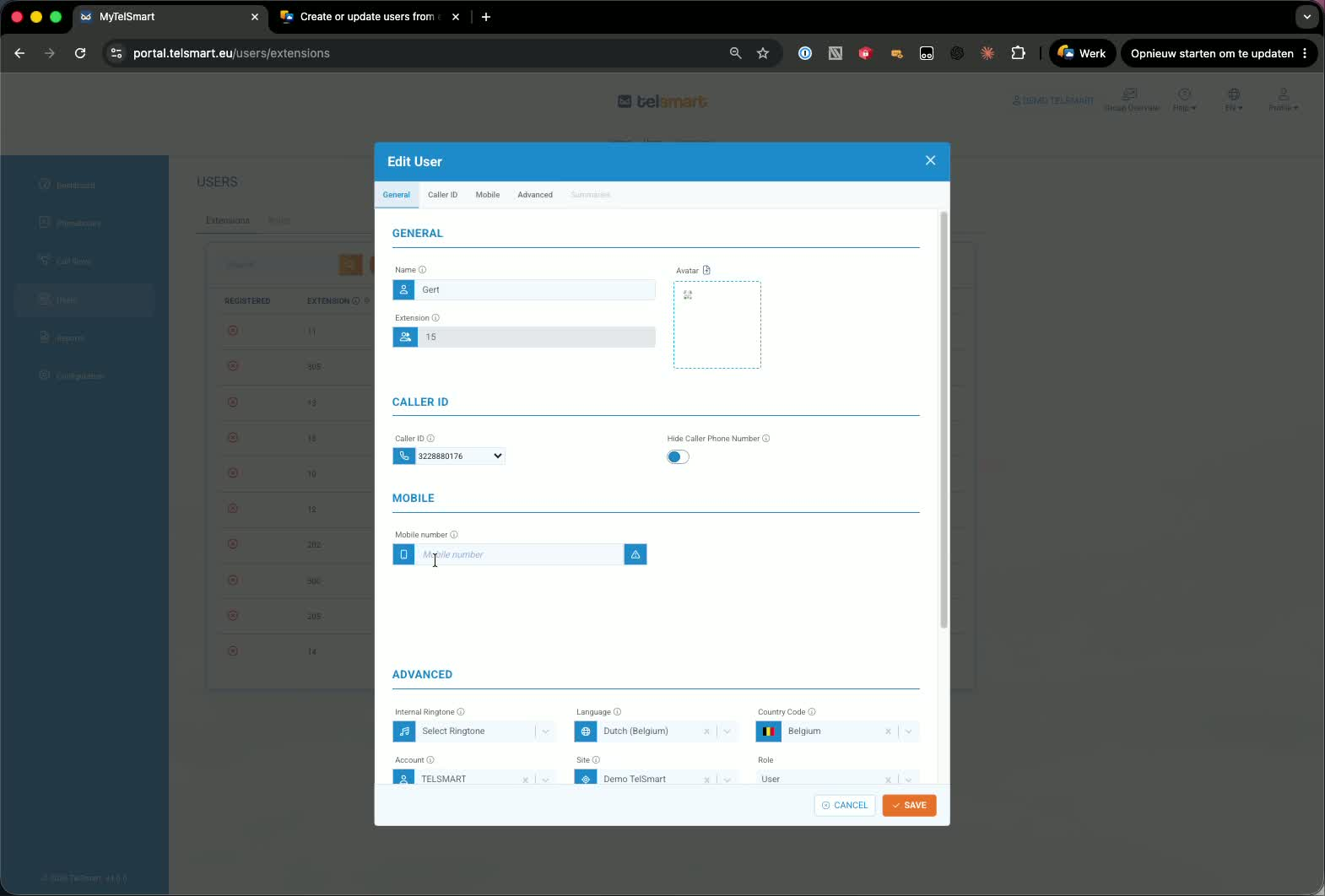
Replace the current name with the correct one.
3. Save the change 0:22
-
Click Save after entering the updated name.
-
The change will apply across the company.
-
The updated name will appear on every device in your company.