Why can't my number receive calls?
A number you've only verified as a Caller ID can be shown on outgoing calls, but it can never receive incoming calls.
Under Numbers, verified caller IDs are listed separately under "Verified caller IDs — Outbound only — no inbound calls, no call routing". A number you've bought from Telsmart or had ported over appears as an active line and can both call and be called.
- Open Numbers in the left-hand menu.
- Click Manage next to your number.
- On the General tab you'll see the notice "Outbound only" if this number can't handle incoming calls.
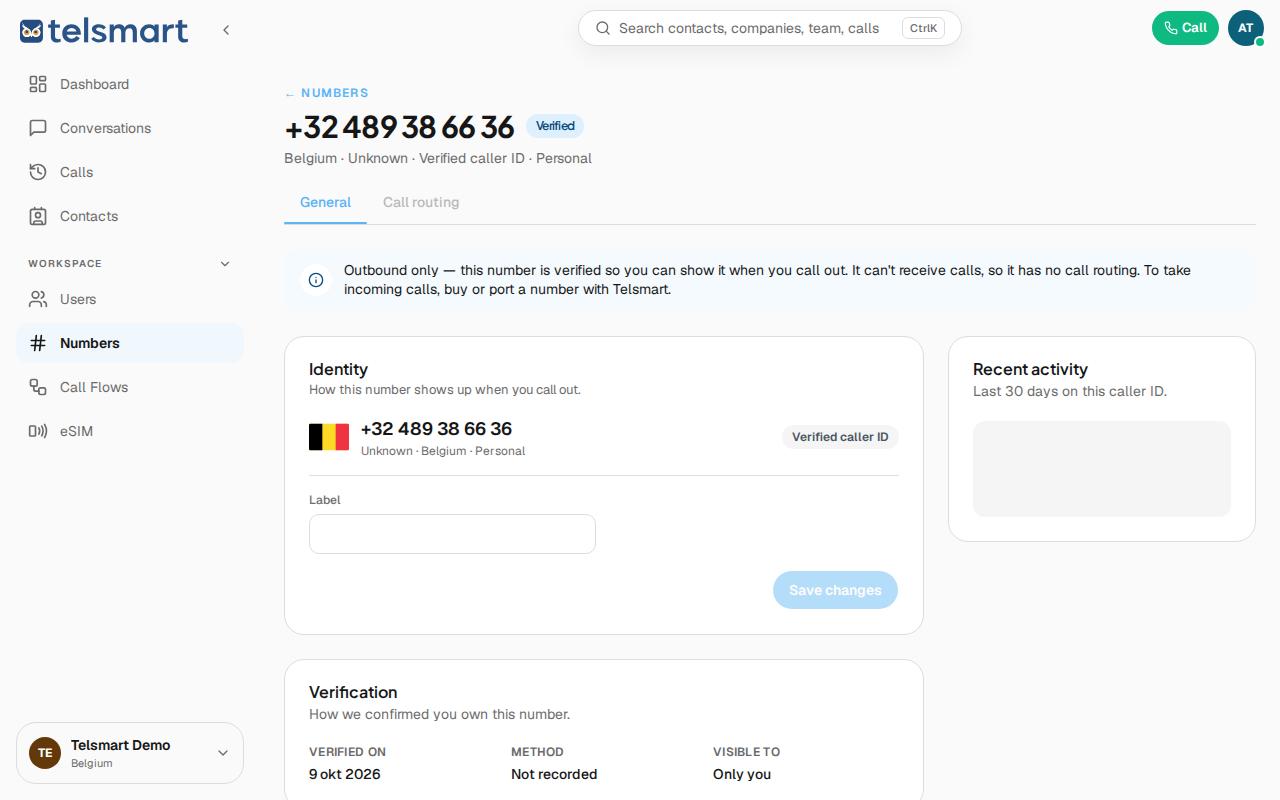
Good to know: buy a number from Telsmart or request porting to be able to receive incoming calls too.