How do I add a new phone number?
Click "Add a new number" under Numbers and choose between a new number, porting your own number, or just verifying a Caller ID.
- Open Numbers in the left-hand menu.
- Click Add a new number in the top right.
- Choose one of the three options: Get a new number, Bring your own number (porting) or Verify caller ID.
- Click Continue and follow the steps for that option.
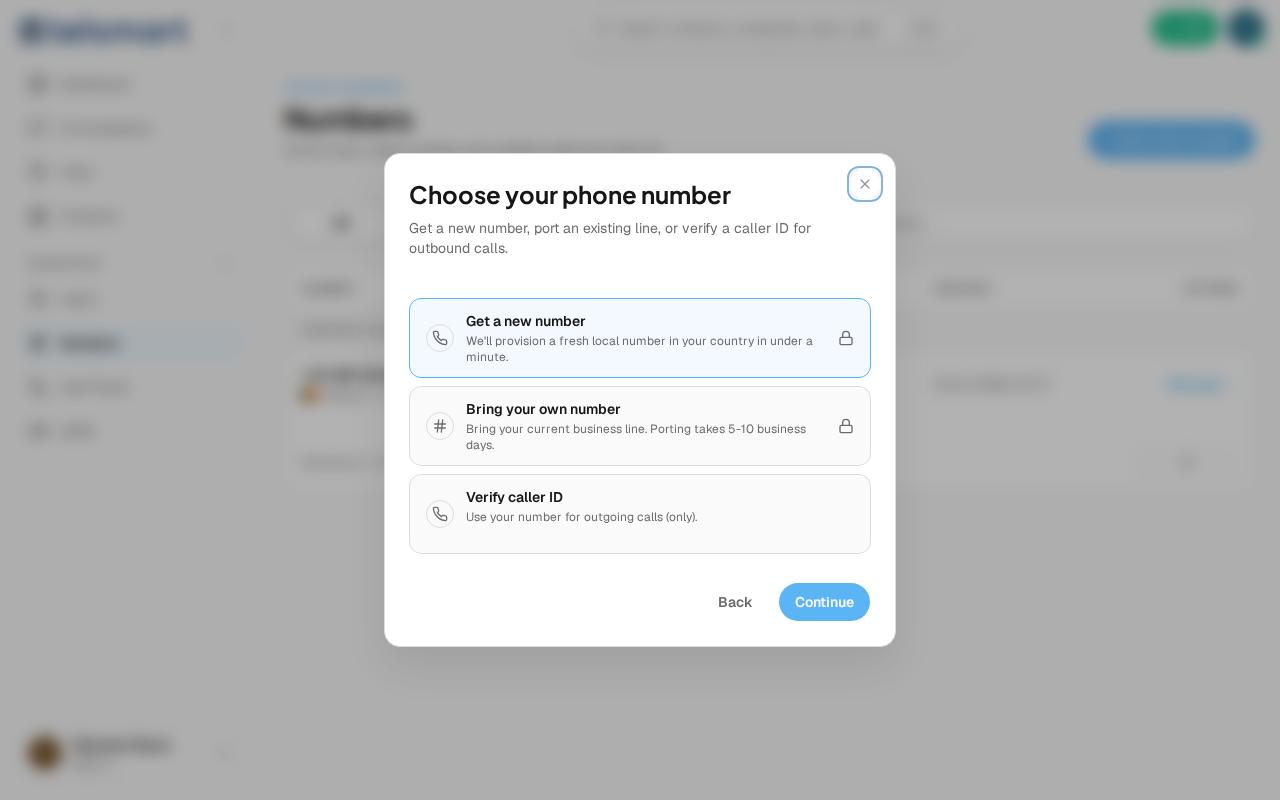
Good to know: a new number is provisioned within a minute. Porting takes 5 to 10 business days. Verifying a caller ID doesn't create a new line.