How do I bring my existing number to Telsmart?
Under Numbers, choose "Bring your own number" and enter the number you want to port — porting takes 5 to 10 business days.
- Open Numbers in the left-hand menu.
- Click Add a new number in the top right.
- Choose Bring your own number and click Continue.
- Enter the number you want to port and click Continue setup.
Here's how porting works from there:
- We request the port from your current operator.
- Your operator confirms the transfer.
- We let you know when your number is active in Telsmart.
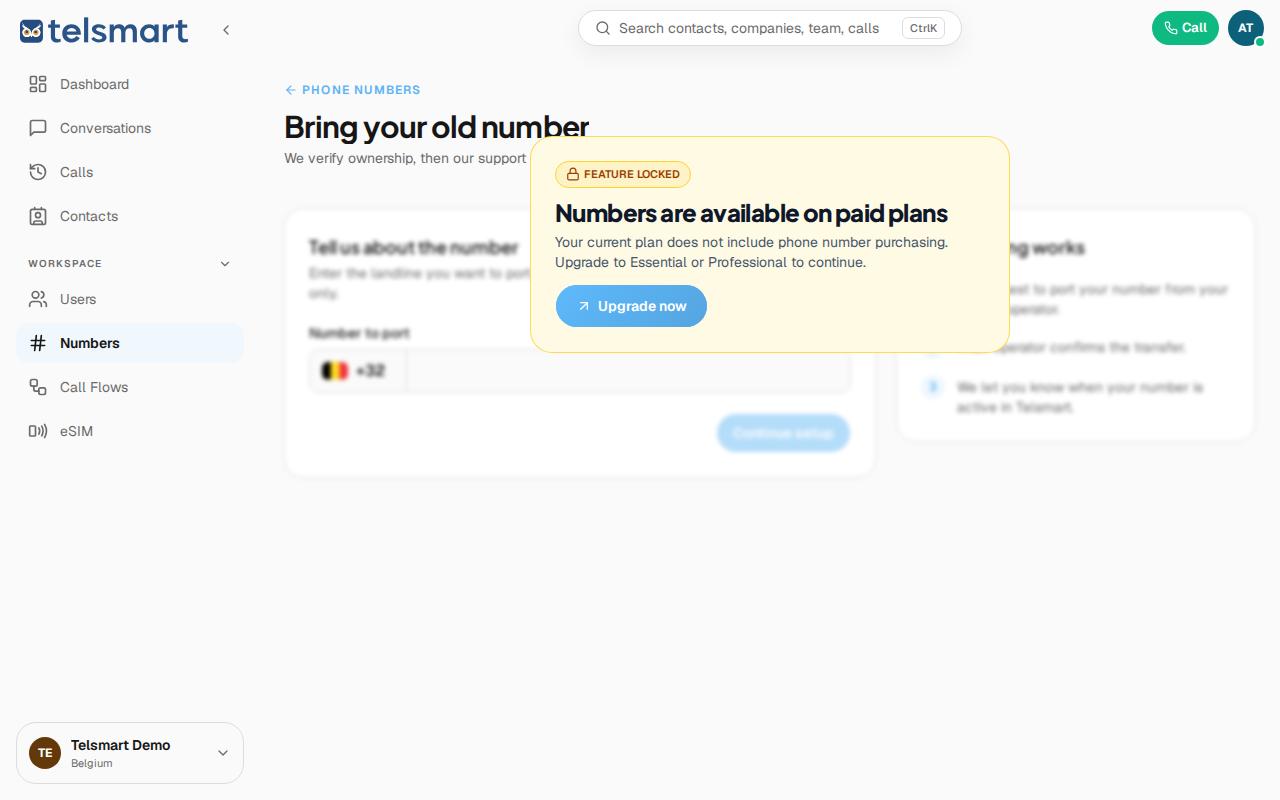
Good to know: porting or buying new numbers is only available on a paid plan (Essential or Professional) — on the Free plan you'll see a message here to upgrade.