Which number do people see when I call?
The number you set as Caller ID in your Call settings — by default your first verified or active number.
- Click Call in the top right to open the calling screen.
- Click Call settings at the bottom.
- On the General tab, choose the number you want to show as Caller ID.
- Click Save changes.
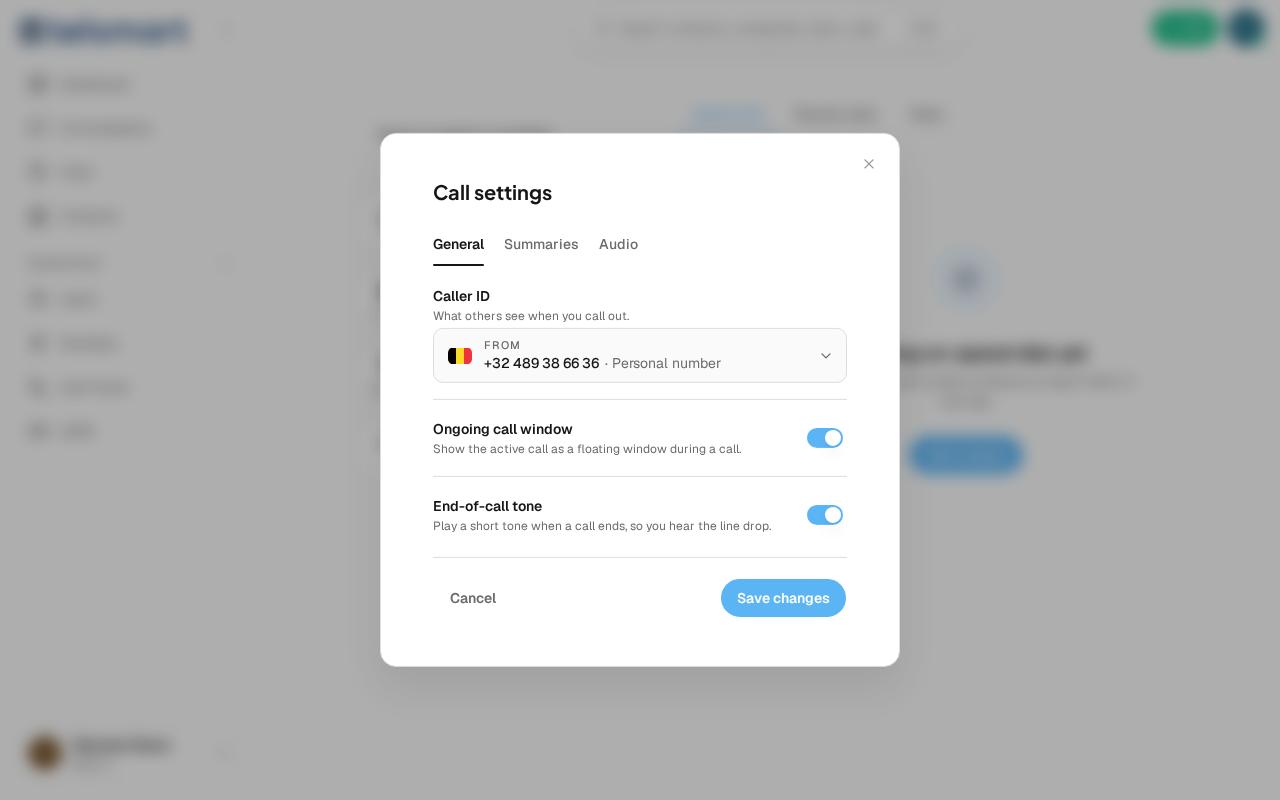
Good to know: only numbers that are already verified or active appear in the Caller ID list. If you only have one number, it's already pre-filled in and there's nothing to choose.