Where can I find the AI summary of a call?
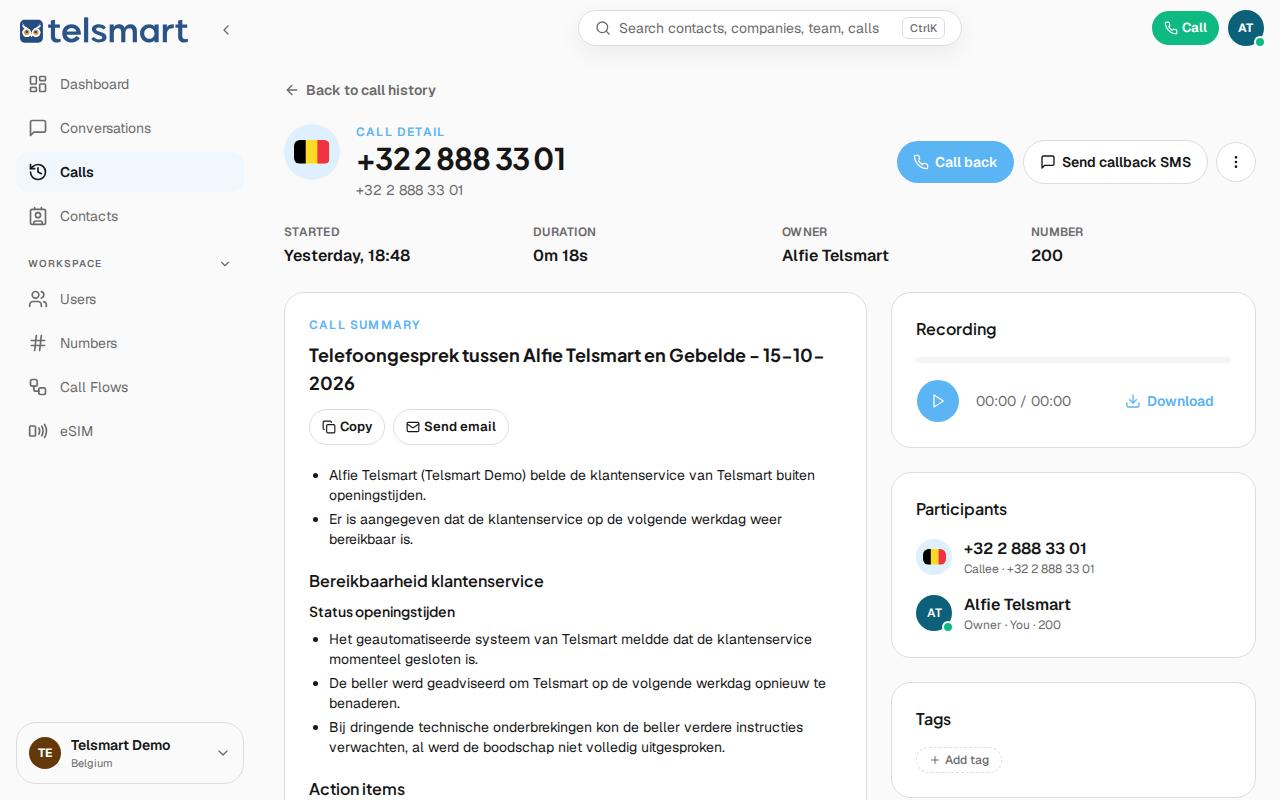
Click a call in Calls or Conversations — the call details immediately show the AI summary, if the call was answered.
- Open Calls in the left-hand menu, or go to the contact via Conversations.
- Click the call whose summary you want to see.
- On the call details page you'll see the Call summary block, with the key points of the call and any action items.
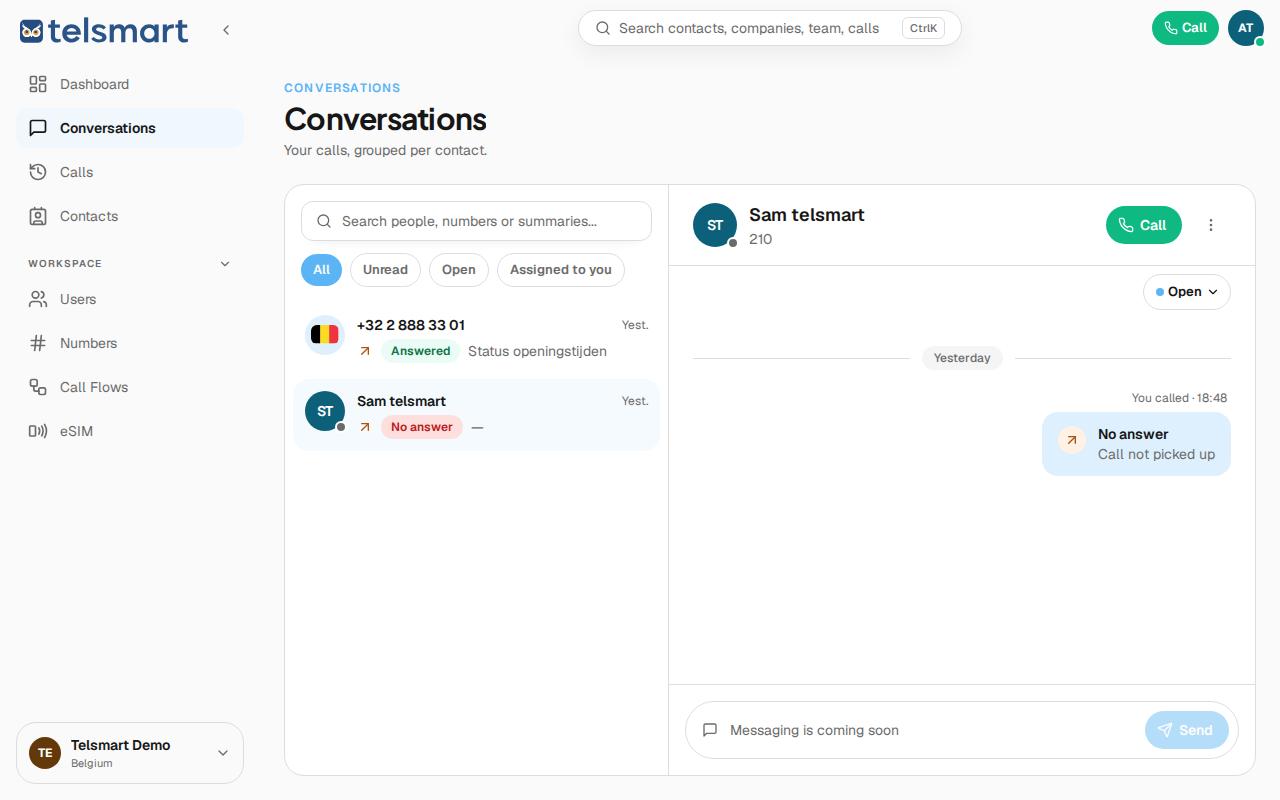
One detail: a missed call ("No answer · Call not picked up") has no summary — after all, there's no call to summarize. In Conversations, you'll see that call without the summary block.
Quickly sharing a summary
Want to forward the summary to a colleague without them having to log in? In Calls, click the ⋮ menu next to the call and choose Copy summary link. That immediately copies a link to the summary, for example to paste into a chat message.
Good to know: at the bottom of the summary you can rate it with a thumbs up or down — your feedback helps improve the AI. It also shows how long ago the summary was generated.