Do I automatically get a summary of my calls?
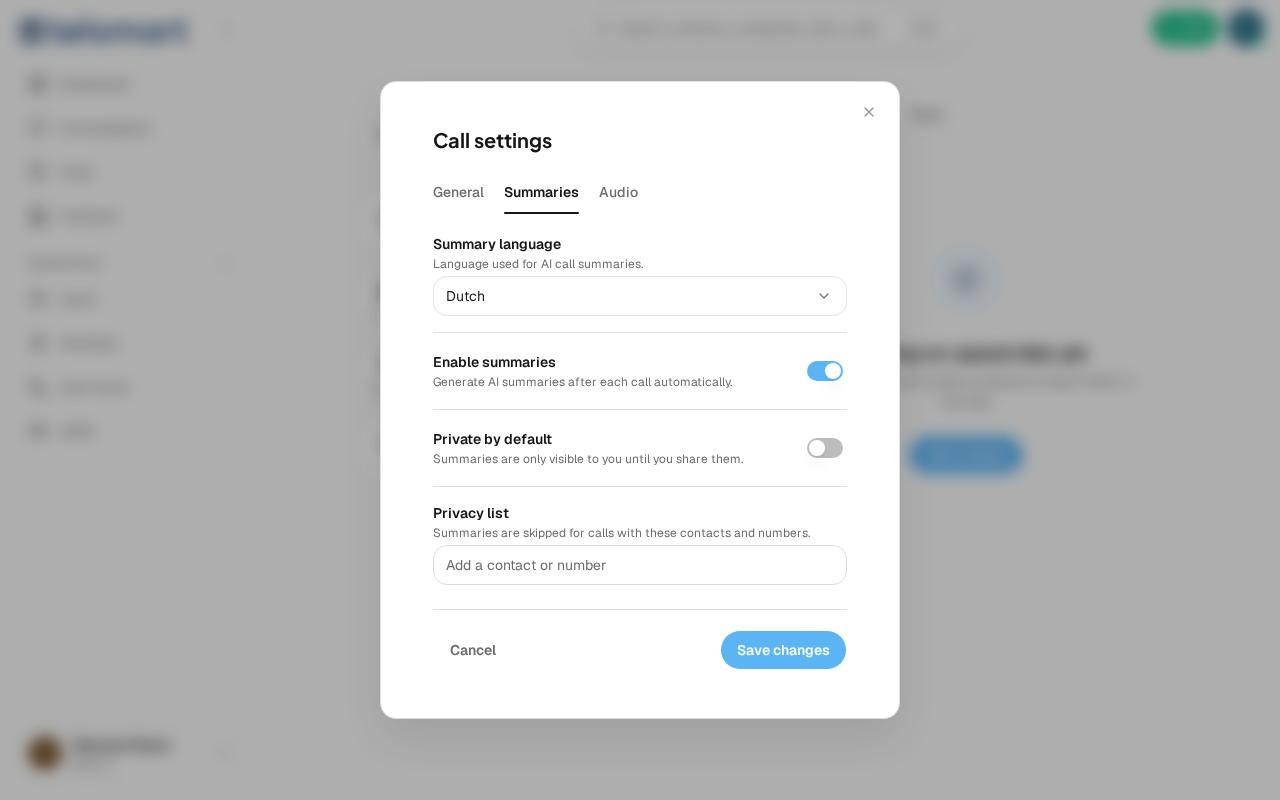
Yes, by default — Telsmart generates an AI summary after every call, unless you turn this off under Call settings.
- Open Call settings via the gear icon below the keypad.
- Go to the Summaries tab.
- Choose the language the summary is written in under Summary language.
- Turn off Enable summaries if you don't want this at all.
Calls without a summary
Add a contact or number to the privacy list to skip summaries entirely for those calls.