Why doesn't my call have a summary?
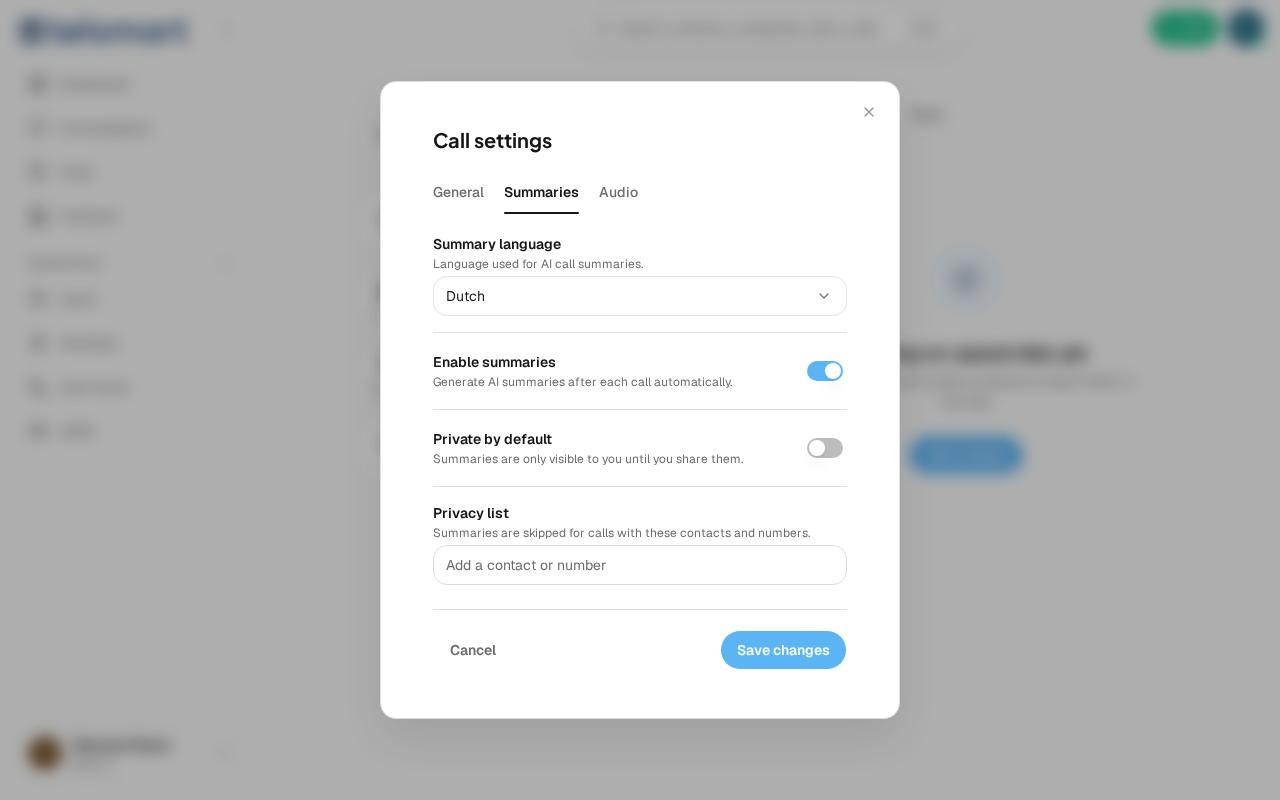
Usually because summaries are disabled, or because this contact is on your privacy list.
- Open Call settings via the gear icon below the keypad.
- Go to the Summaries tab.
- Check that Enable summaries is turned on.
- Check that the contact or number isn't on the privacy list — calls with them always skip summaries.