What does "Private by default" mean for summaries?
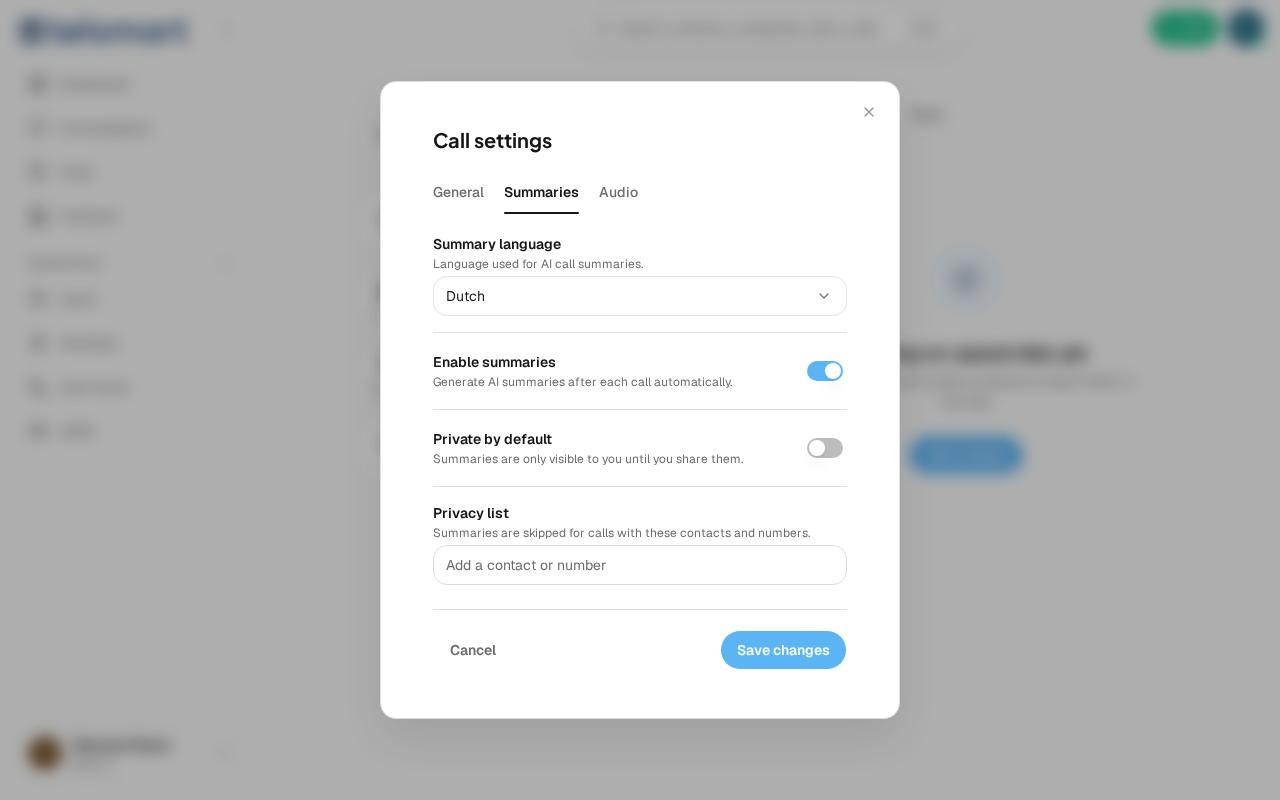
Turn on "Private by default" and a new summary is only visible to you until you share it yourself.
You'll find this setting under Call settings > Summaries. It's off by default — then your colleagues automatically see a summary too. Turn it on, and you decide per summary whether and with whom you share it.