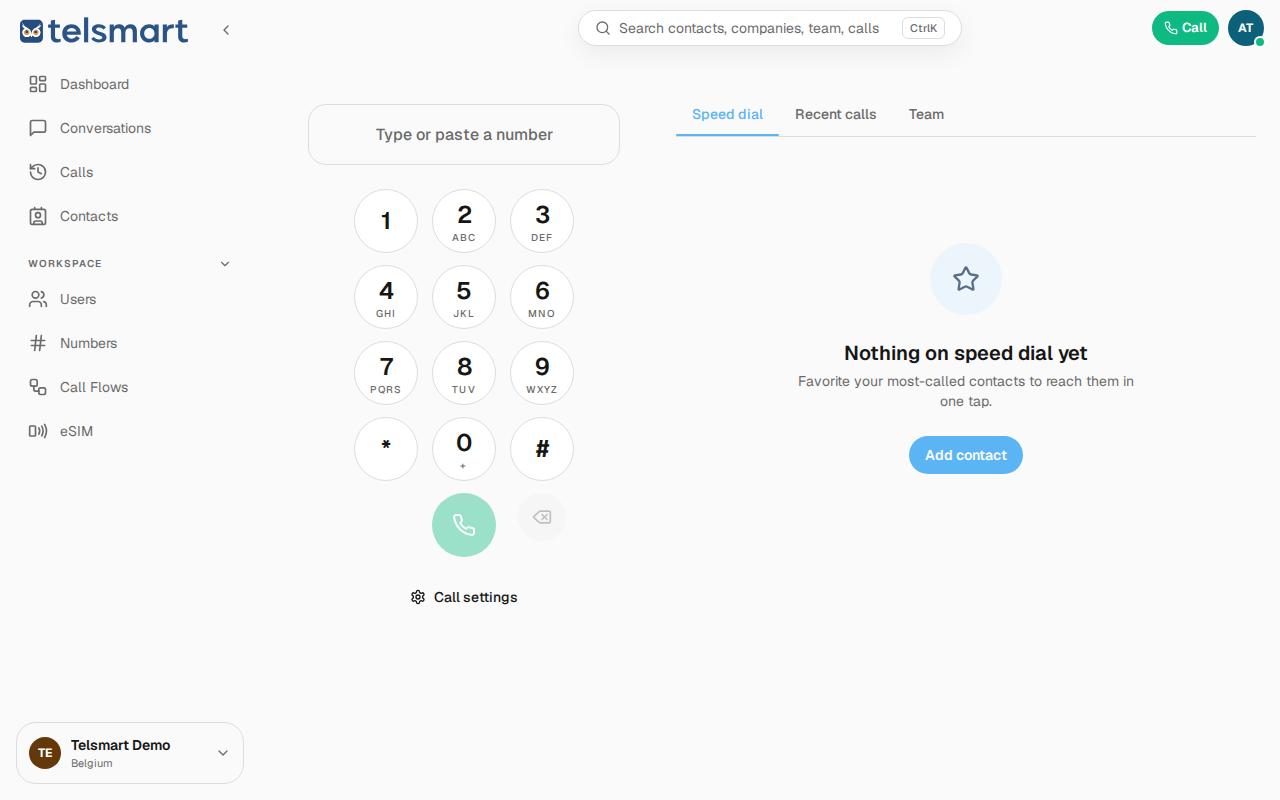
What is Speed dial and how do I add someone to it?
Speed dial is a list of contacts you call often, so you don't have to look them up or type them in every time.
- Click Call in the top right of the toolbar.
- Click the Speed dial tab.
- Click Add contact to add someone to your Speed dial.
- Then simply click the contact to call them right away.