How do I call someone?
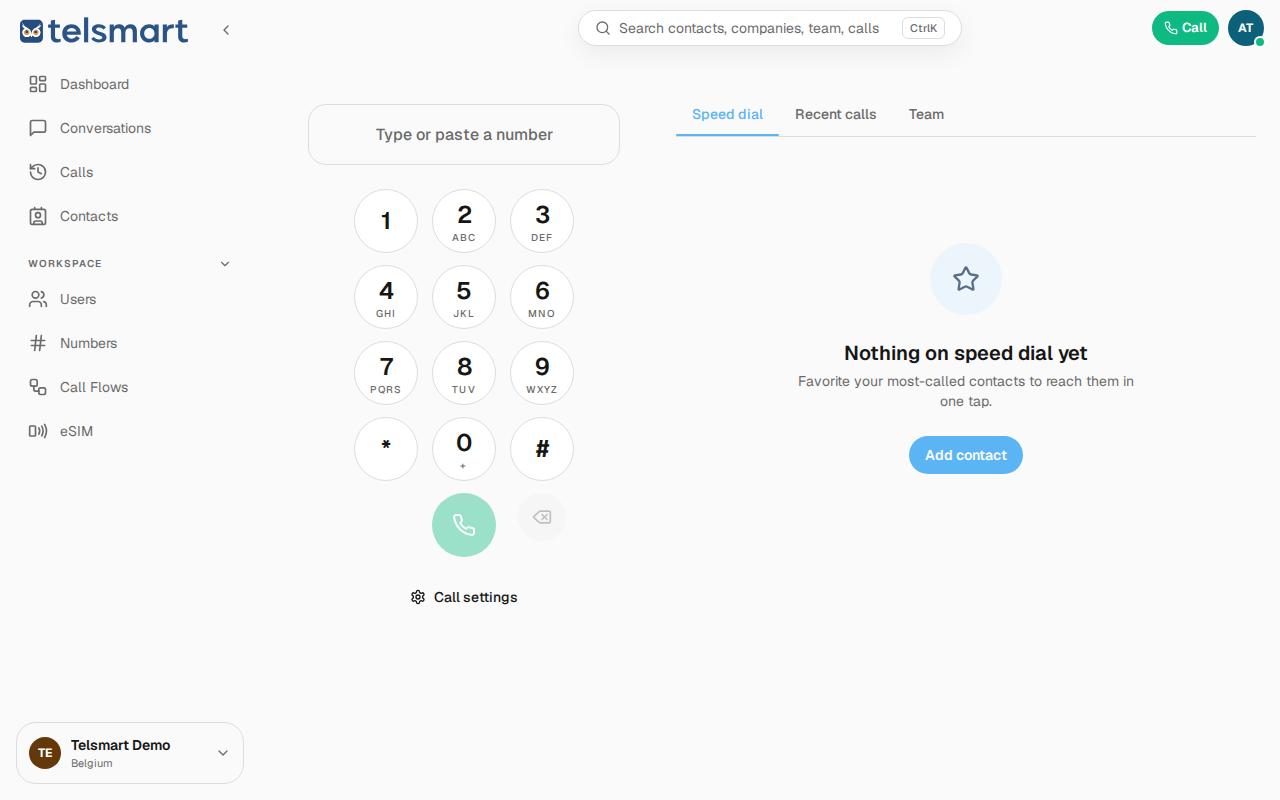
Click Call in the top right, type or paste a number, and press the green call button.
- Click Call in the top right of the toolbar.
- Type a number in the input field, or paste it from your clipboard.
- Click the green call button below the keypad to start the call.
Good to know: you can also open this screen directly with Cmd+K (or Ctrl+K) and then choose "New call".
If it doesn't work
Not hearing a dial tone, or nothing seems to happen? Check under Call settings whether your microphone is turned on.