How do I call a colleague?
Open the calling screen, click the Team tab and choose the colleague you want to call.
- Click Call in the top right of the toolbar.
- Click the Team tab.
- Click your colleague's name to start the call right away.
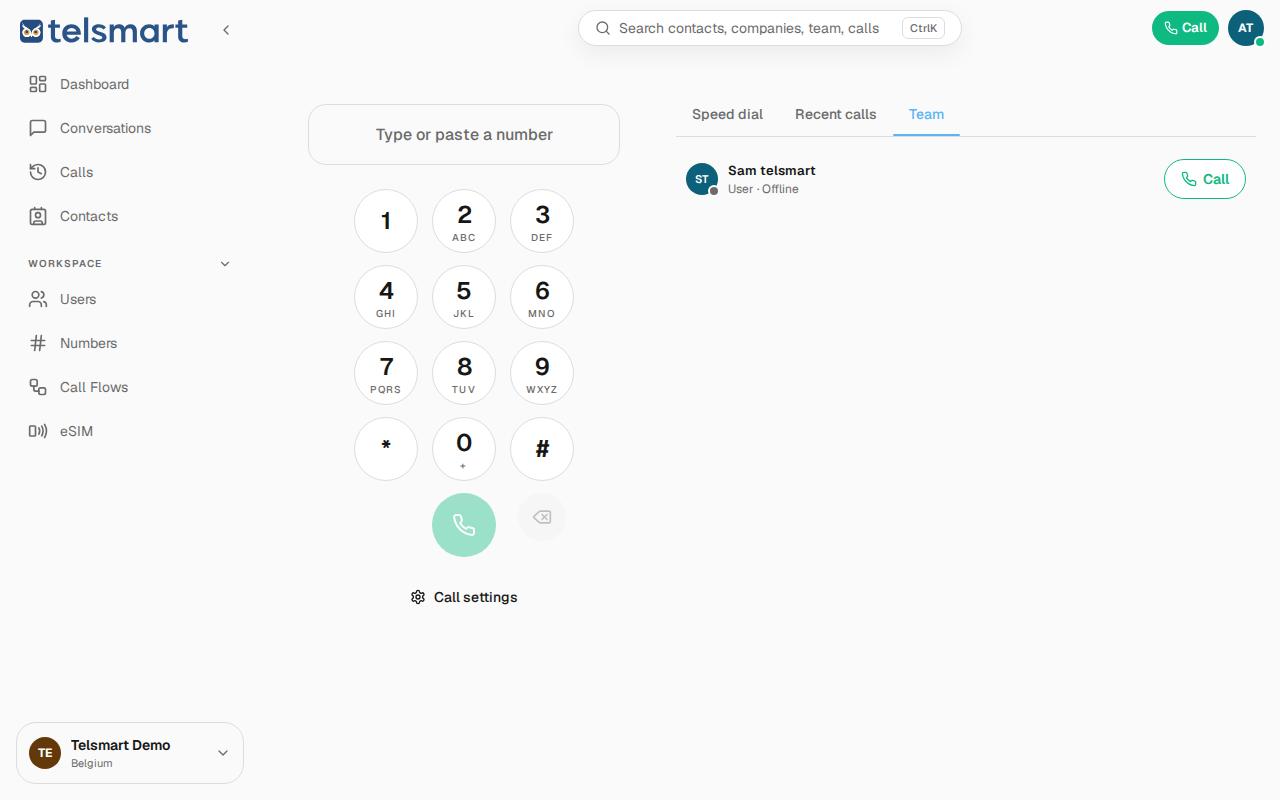
Good to know: on the same screen you also see your colleague's status (for example Online or Busy) before you even call.