Setting opening hours
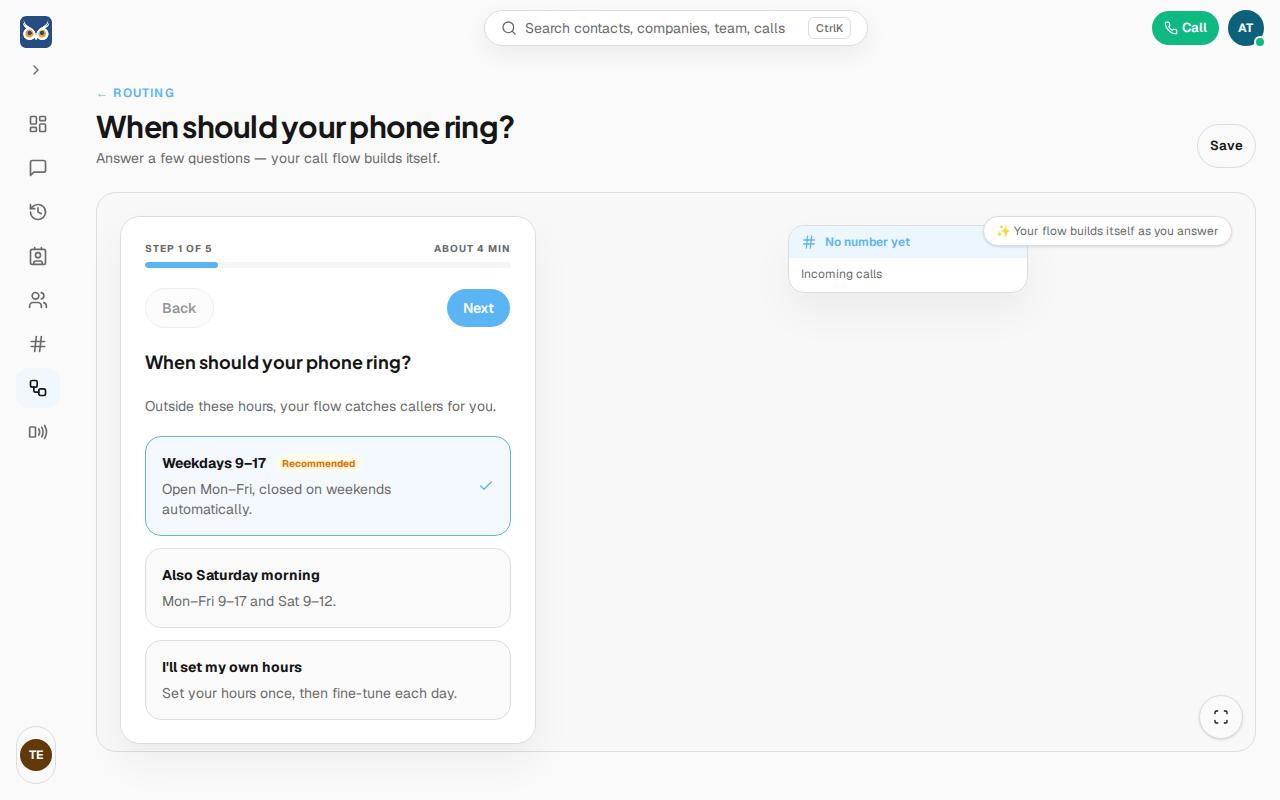
When creating a call flow (Guided setup), choose your opening hours in step 1: "When should your phone ring?"
- Open Call Flows in the left-hand menu and click + New call flow.
- Choose Guided setup and click Create flow.
- In step 1, choose one of the suggestions, or set your own hours:
- Weekdays 9–17 (Recommended) — open Mon–Fri, automatically closed on weekends.
- Also Saturday morning — Mon–Fri 9–17 and Sat 9–12.
- I'll set my own hours — set your hours once, then fine-tune per day.
Good to know: outside your chosen opening hours, the call flow automatically sends callers down the "closed" path that you set up in the following steps (for example voicemail or a message).