How do I import my phonebook?
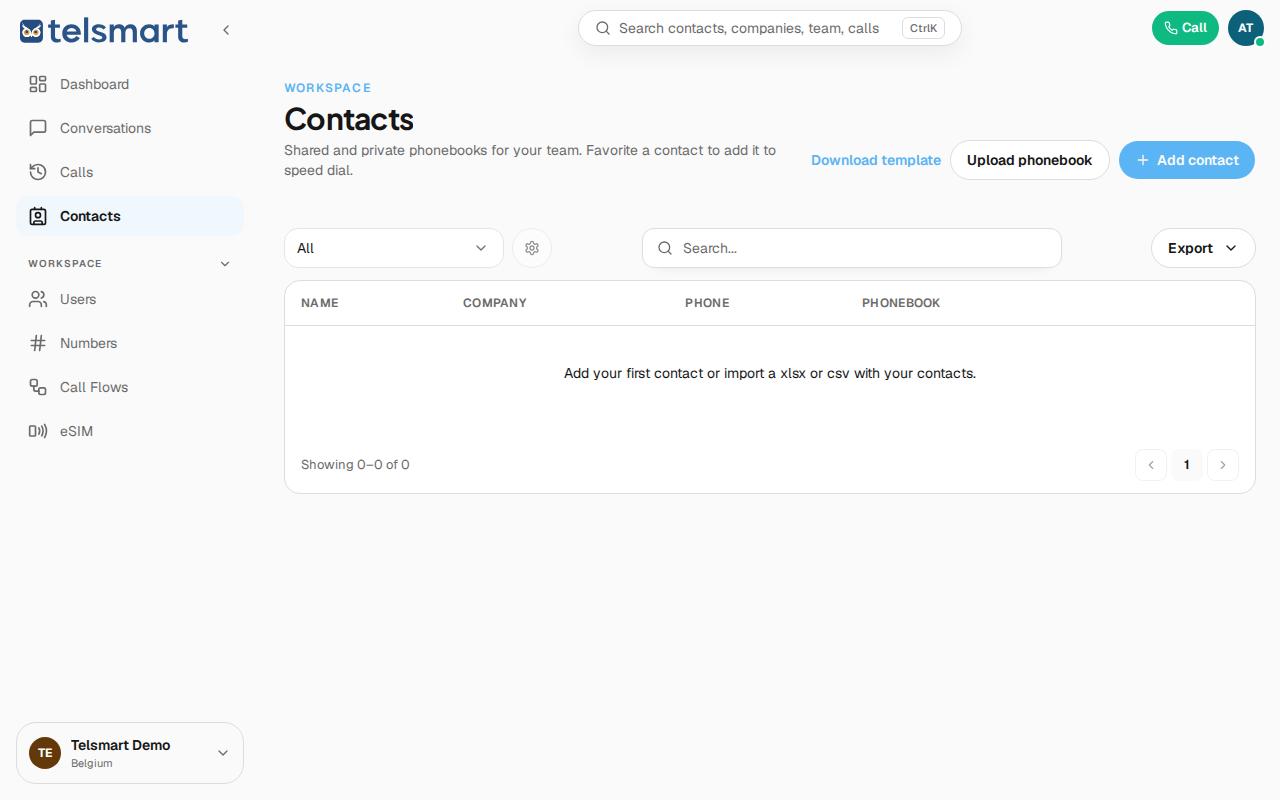
First download the template via "Download template", then upload your completed list via "Upload phonebook".
- Open Contacts in the left-hand menu.
- Click Download template to get the correct xlsx or csv format.
- Fill in the template with your contacts.
- Click Upload phonebook and choose the completed file.
Good to know: this way you don't have to type in every contact one by one if you already have an existing list.