How do I export my contacts?
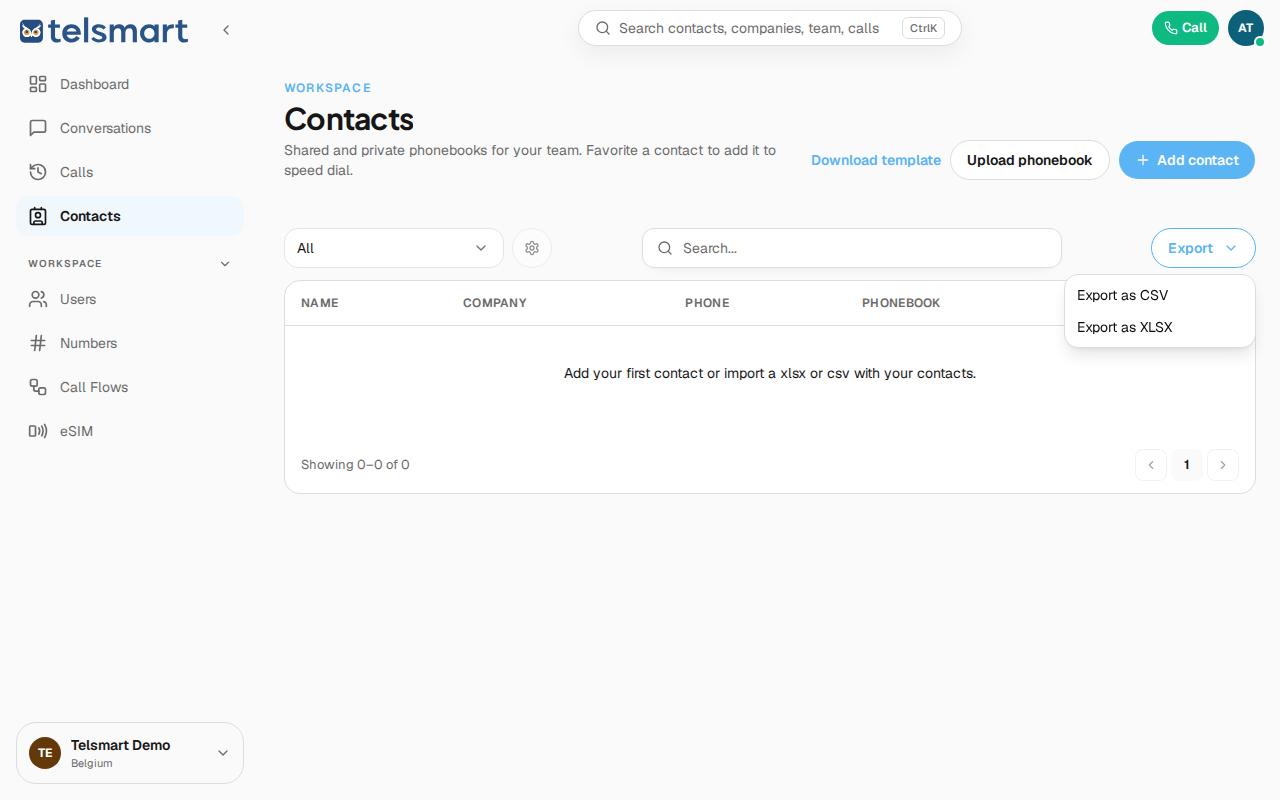
In Contacts, click "Export" in the top right and choose CSV or XLSX.
- Open Contacts in the left-hand menu.
- Click Export in the top right.
- Choose Export as CSV or Export as XLSX.
Good to know: if you use the phonebook filter at the top of the page, Telsmart only exports the contacts that are currently visible in the list.