How do I change a team member's role?
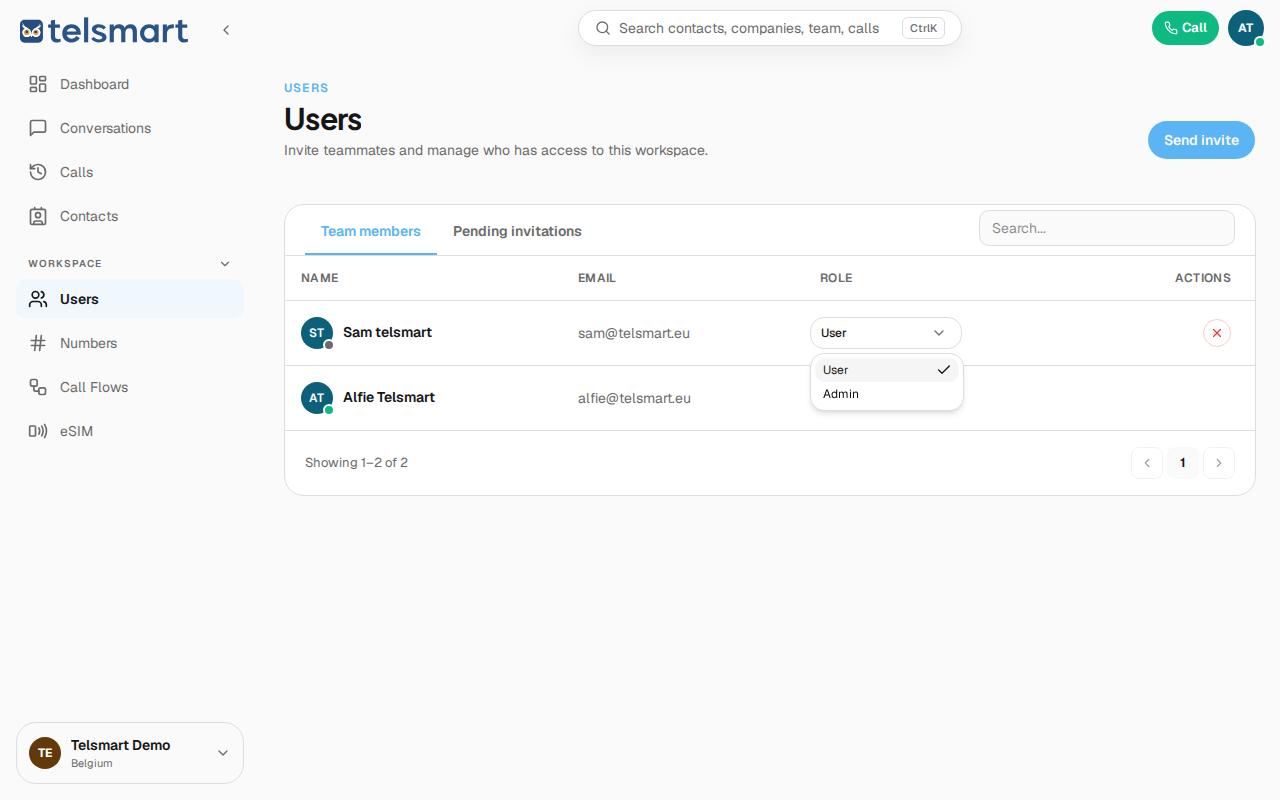
Open Users, click the Role dropdown in your colleague's row, and choose User or Admin.
- Open Users under Workspace in the left-hand menu.
- Find your colleague on the Team members tab.
- Click the dropdown under Role in their row.
- Choose User or Admin.
Good to know: you can't change the Account Owner's role here — it's fixed and has no dropdown.