How do I invite a colleague?
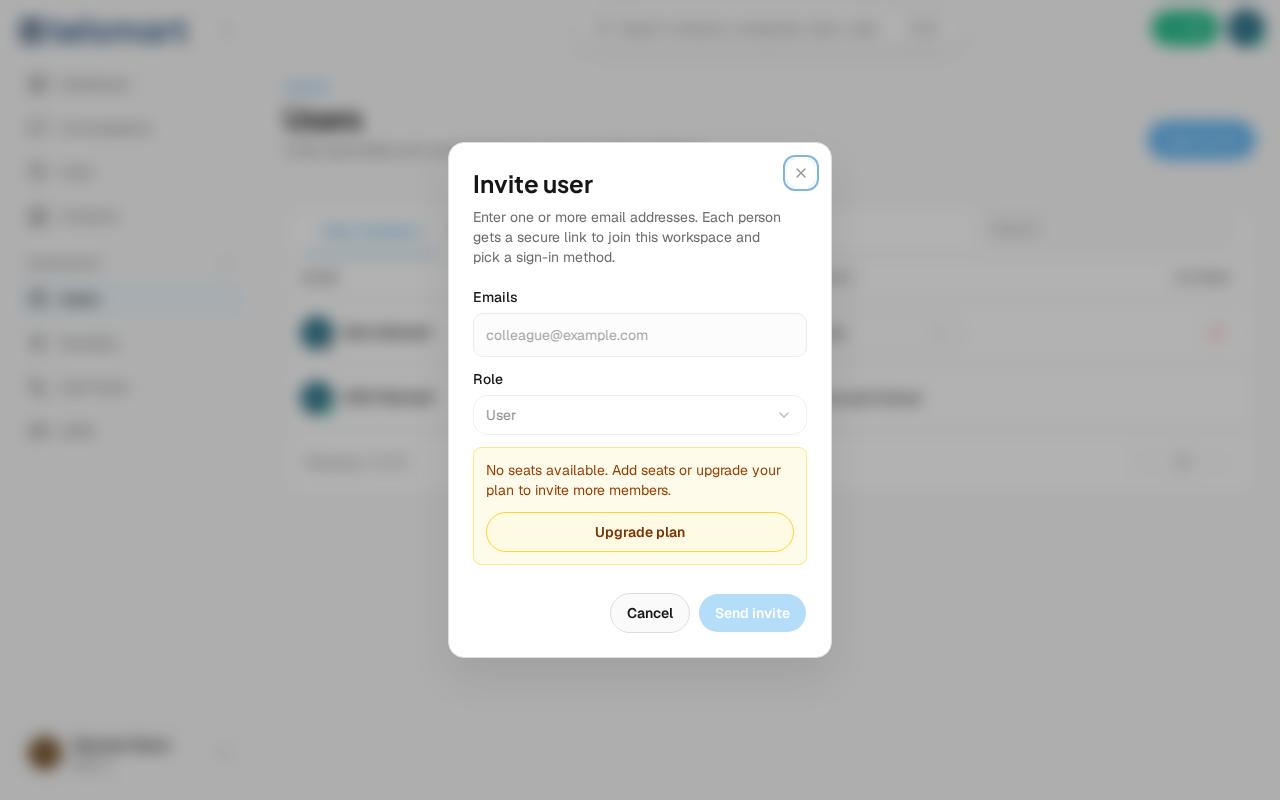
In Users, click "Send invite", fill in the email address and role, and send it — as long as your workspace still has free seats.
- Open Users under Workspace in the left-hand menu.
- Click Send invite in the top right.
- Enter one or more email addresses and choose the Role.
- Click Send invite.
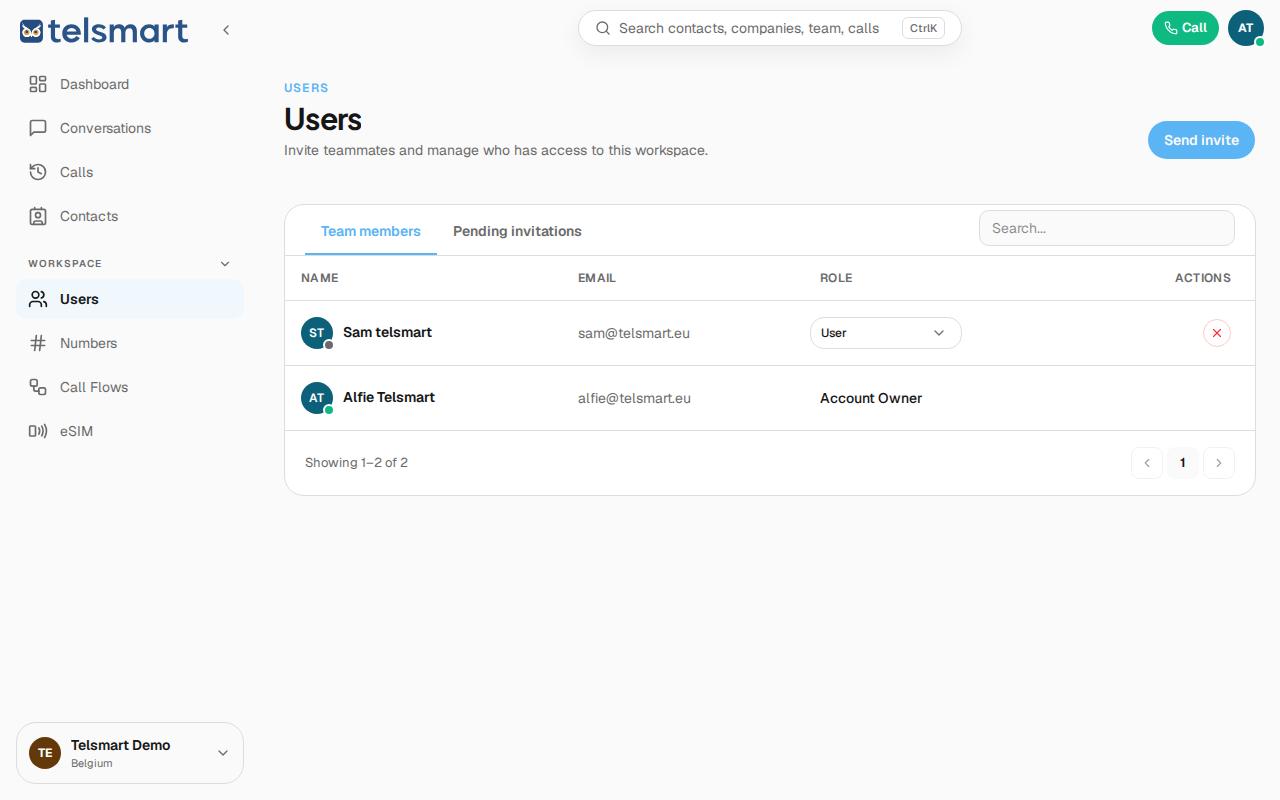
Good to know: on the Free plan you can have up to 3 users. Once your seats are full, the Send invite button stays disabled and the message "No seats available" appears, with a direct link to upgrade your plan.