How do I activate my eSIM?
Not yet — the eSIM screen is already in the app, but for now it only shows "eSIM is coming soon".
- Open eSIM at the bottom of the left-hand menu.
- You'll see the message eSIM is coming soon — there's nothing to manage yet.
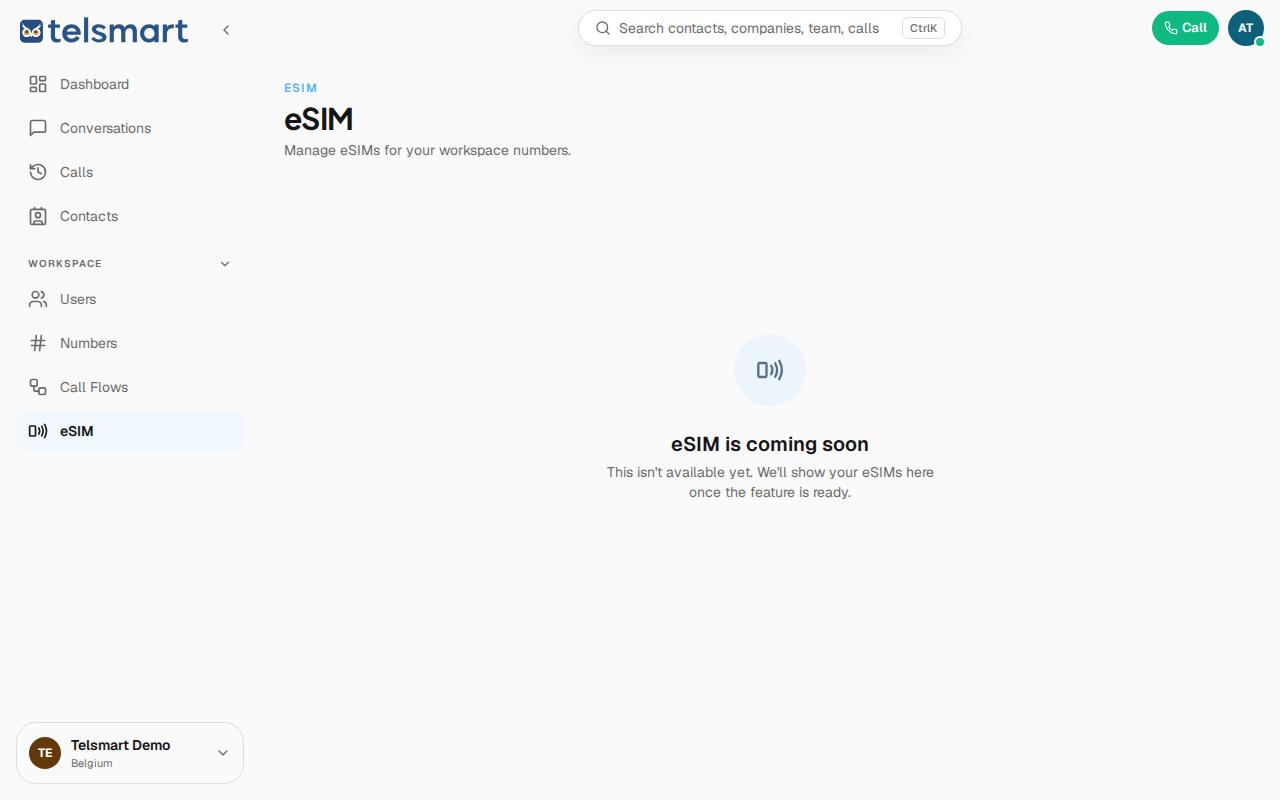
Good to know: the page already explains what to expect: "Manage eSIMs for your workspace numbers" — so eSIMs will be linked to your existing Telsmart numbers.