How do I add seats or change my plan?
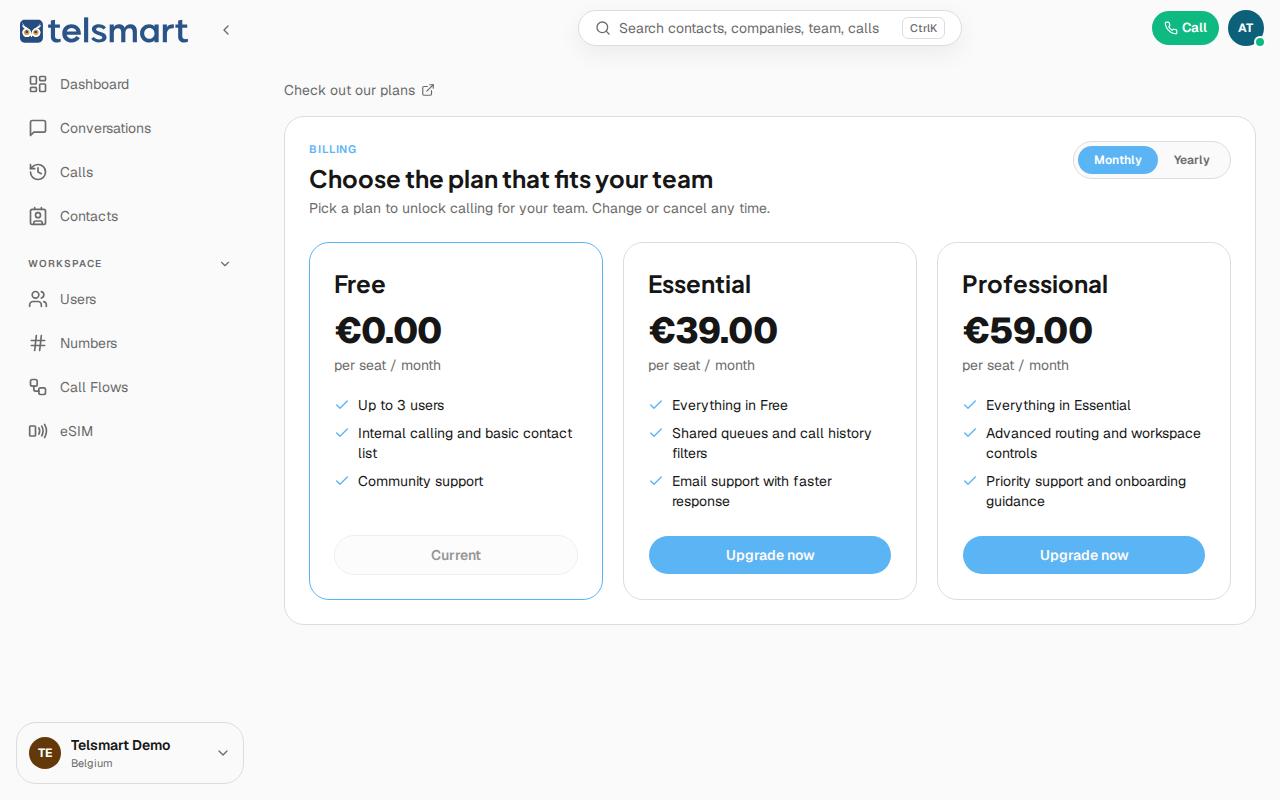
Go to Settings > Subscription and click "Upgrade now" on the plan with enough seats for your team.
- Open Settings via the workspace menu in the bottom left, or go directly to Subscription.
- Compare Free, Essential and Professional.
- Click Upgrade now on the plan that allows enough users.
Good to know: if you run into "No seats available" when inviting a teammate, that message links you straight to this page.