Flexy Mobile - Installation
Below you can find the necessary steps to install the Flexy Mobile application on your mobile phone. We have a guide below for both Apple and Android users.
Apple installation
Step 1: Navigate to Apple's Applestore.

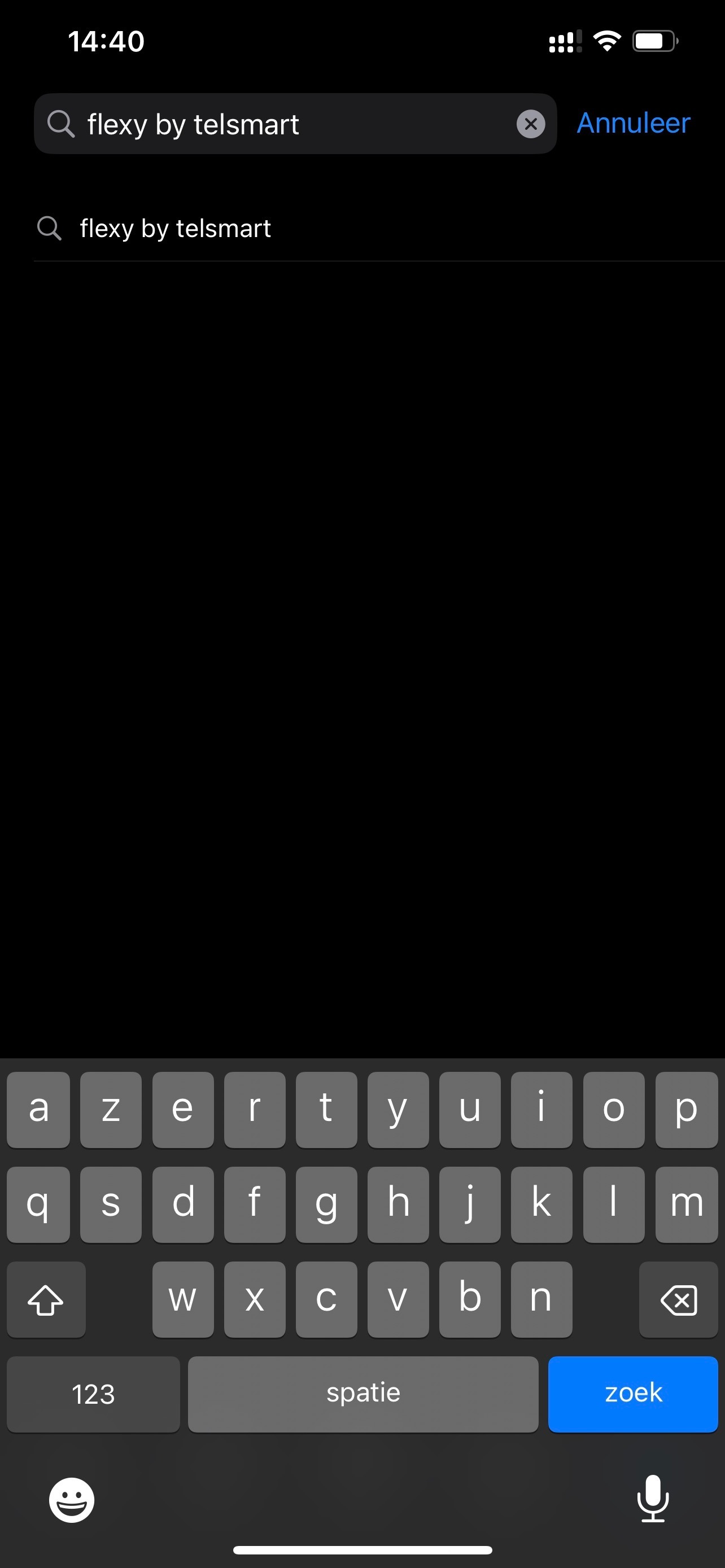
Step 2: Click on the magnifying glass in the bottom right corner to start searching & enter the name Flexy by Telsmart here & press search.
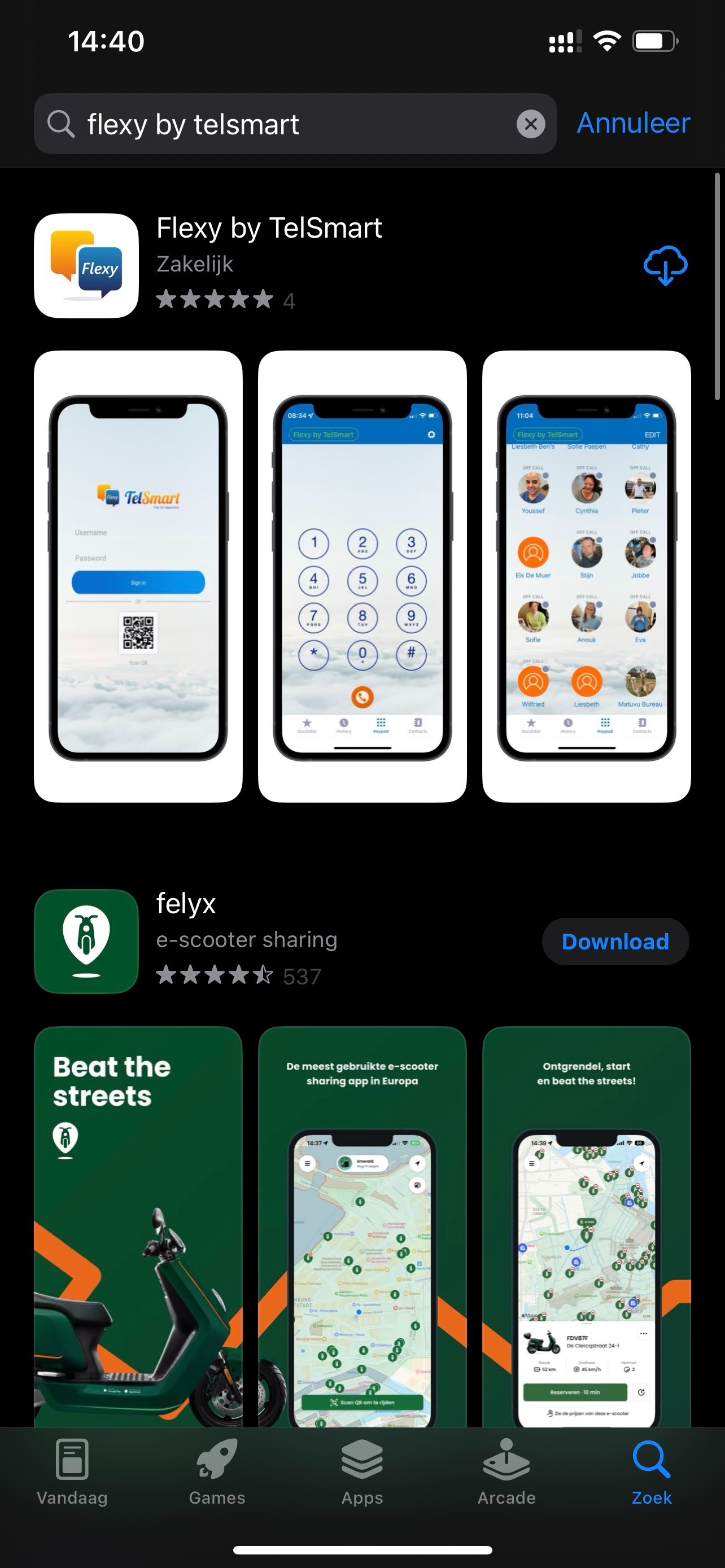
Step 3: Click on the flexy app and then click on download.
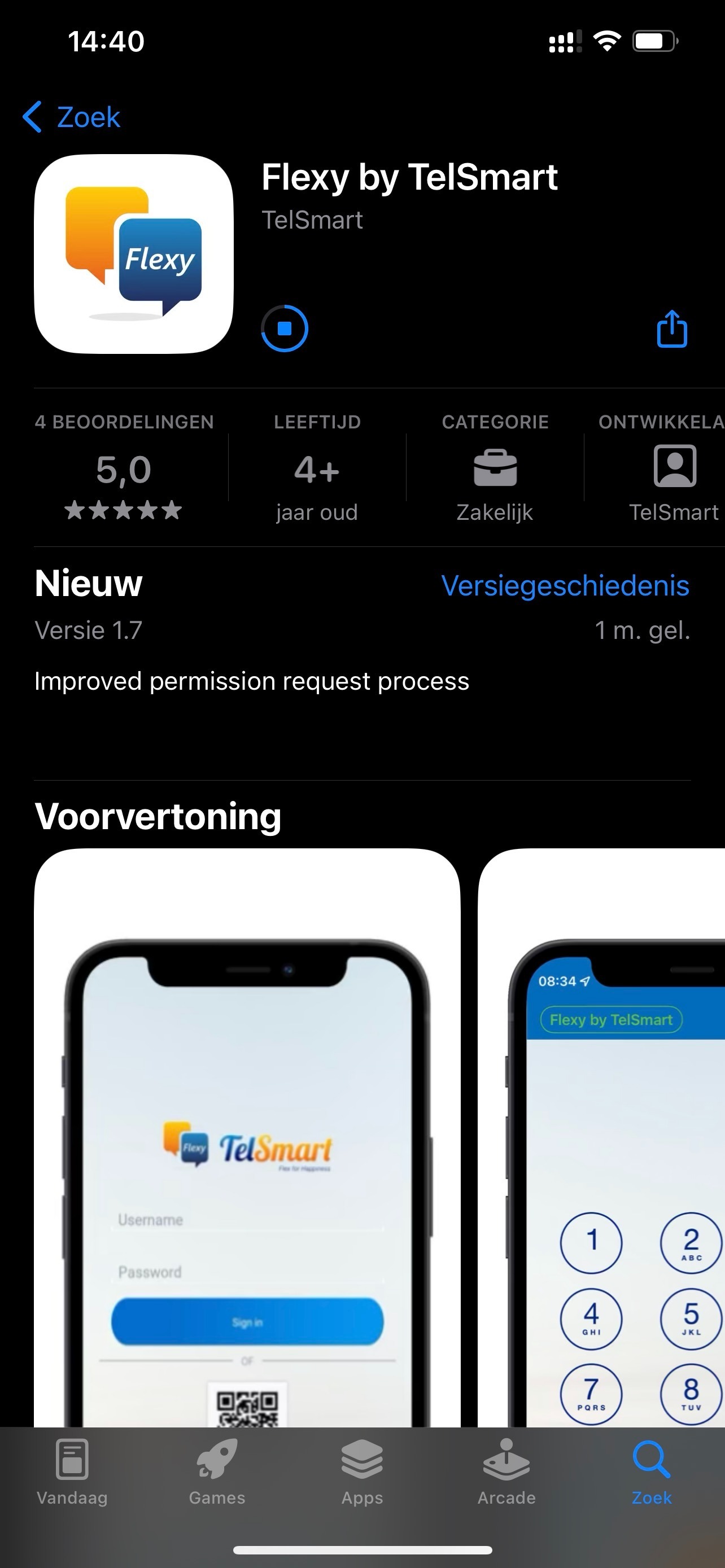
**Step 4: You will see the progress of the download while it is in progress.
**
Step 5: After installation, open the Flexy application.
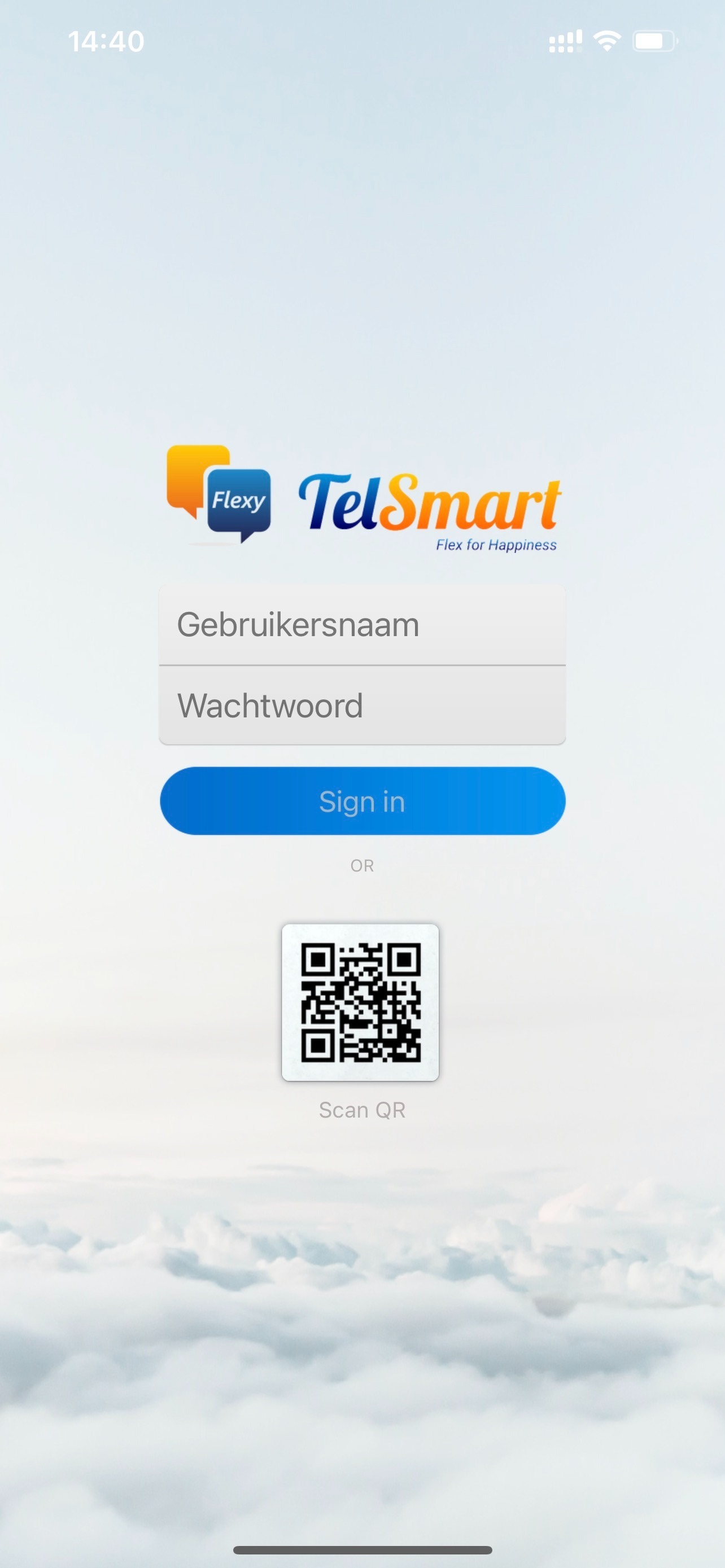
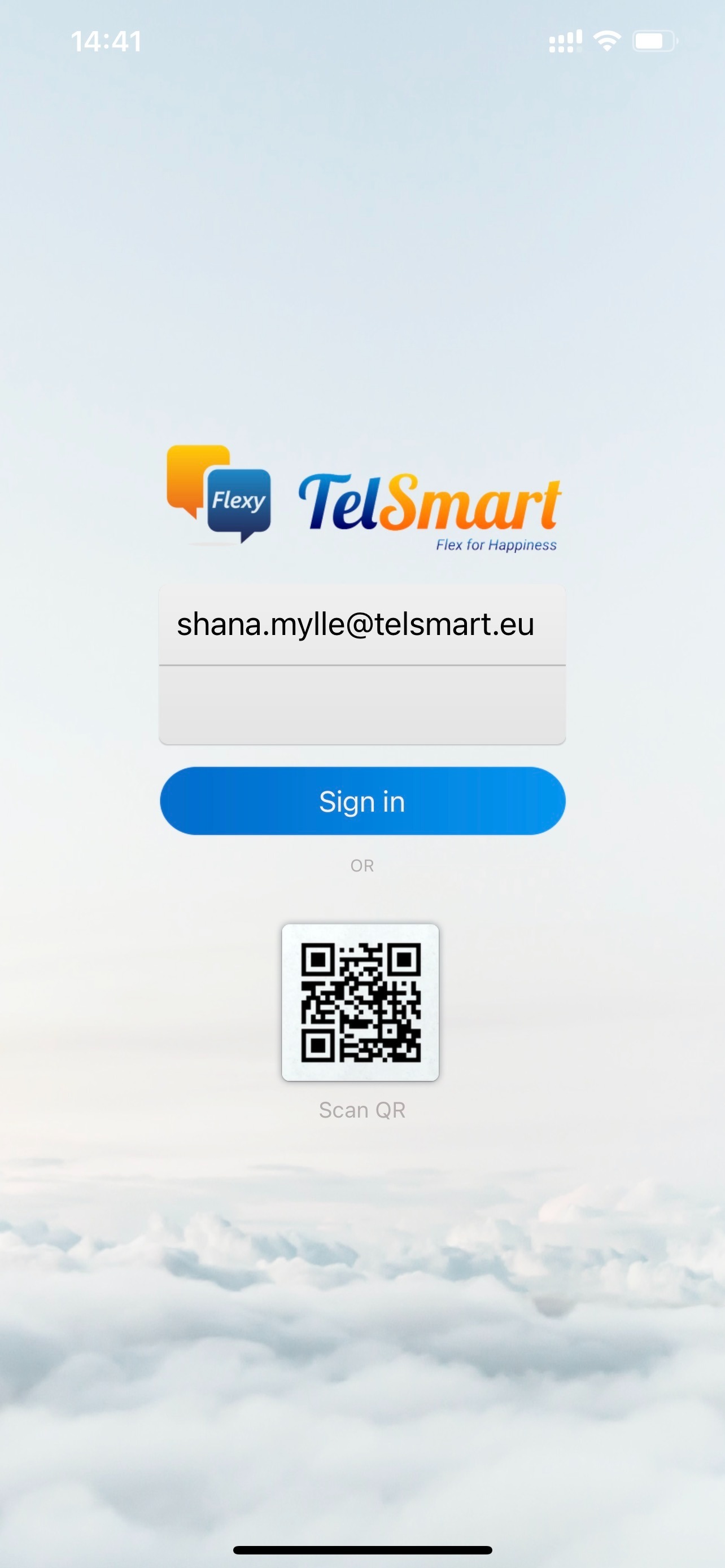
**Step 6: Enter your login + password here.
**
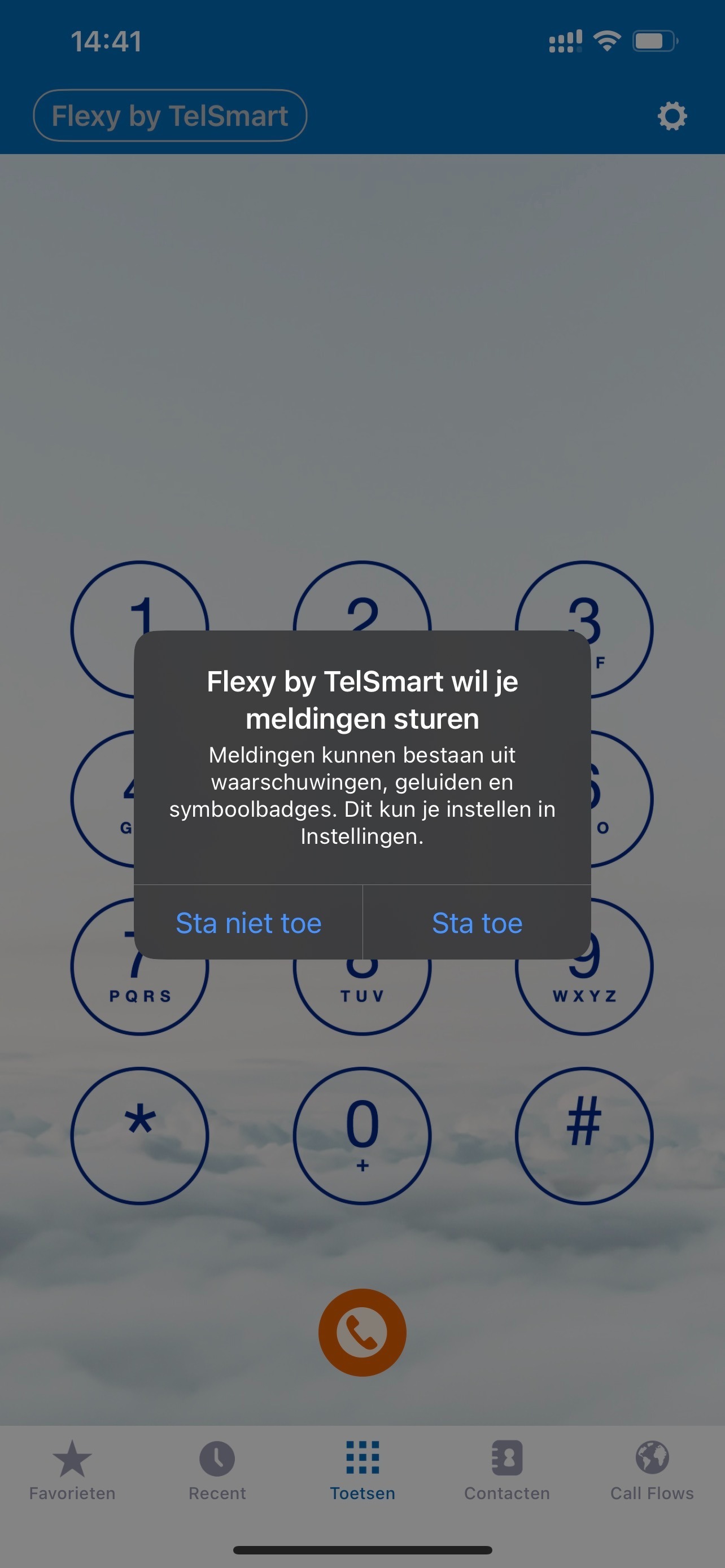
**Step 7: Allow Flexy Mobile to send you notifications about incoming calls. If this is not allowed, you will not be notified of new incoming calls.
**
Step 8: You can also give Flexy desktop access to your Phone contacts.
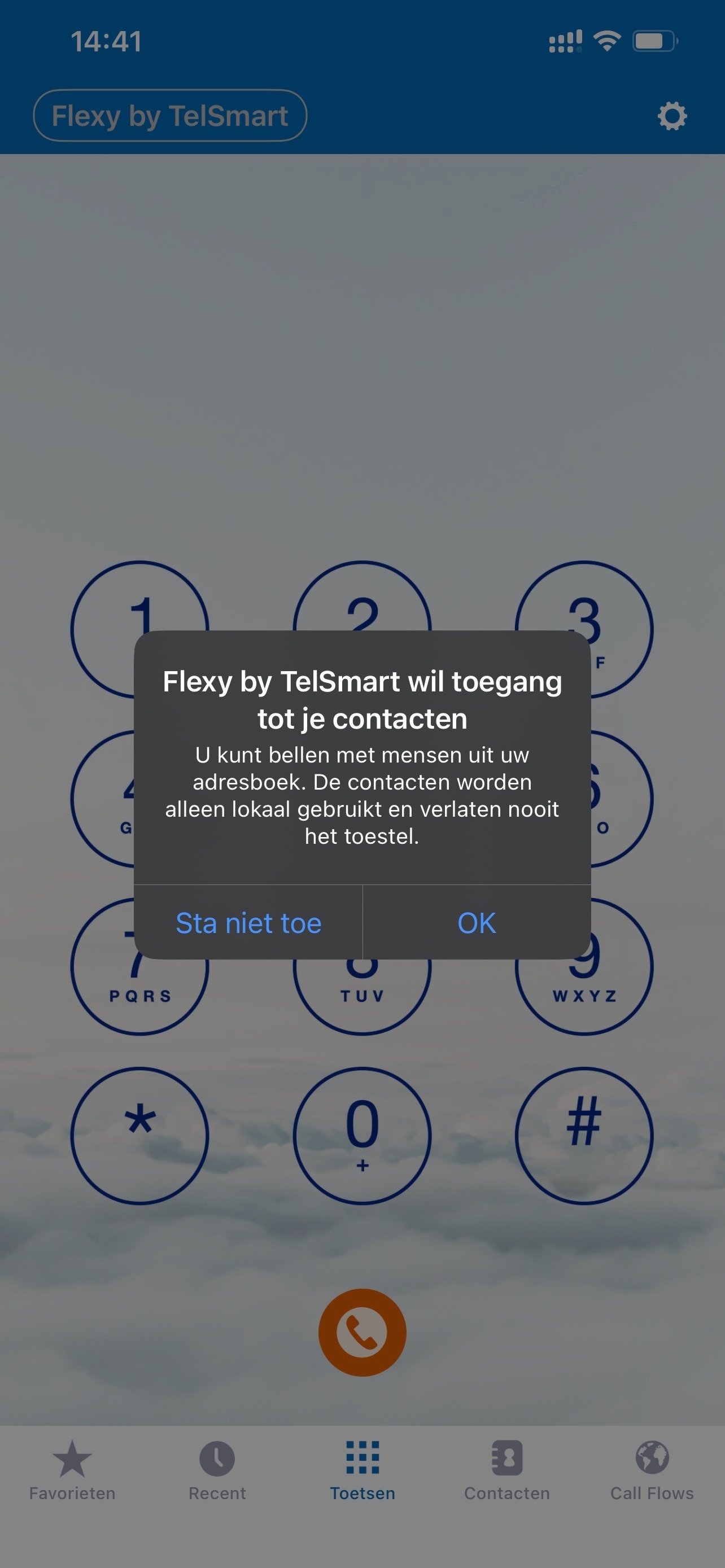
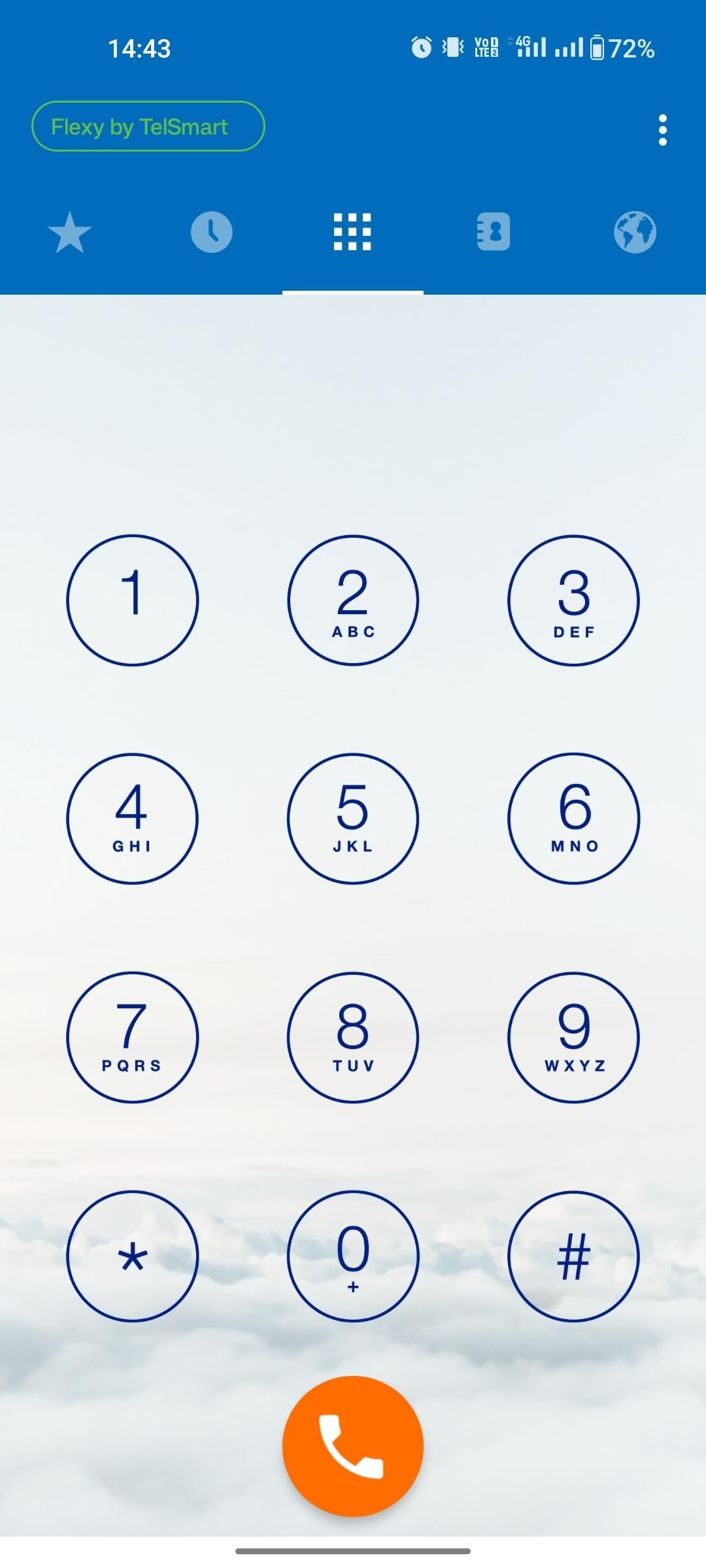
Step 9: After going through all the steps above, you can see here that you are correctly logged in to Flexy Mobile. 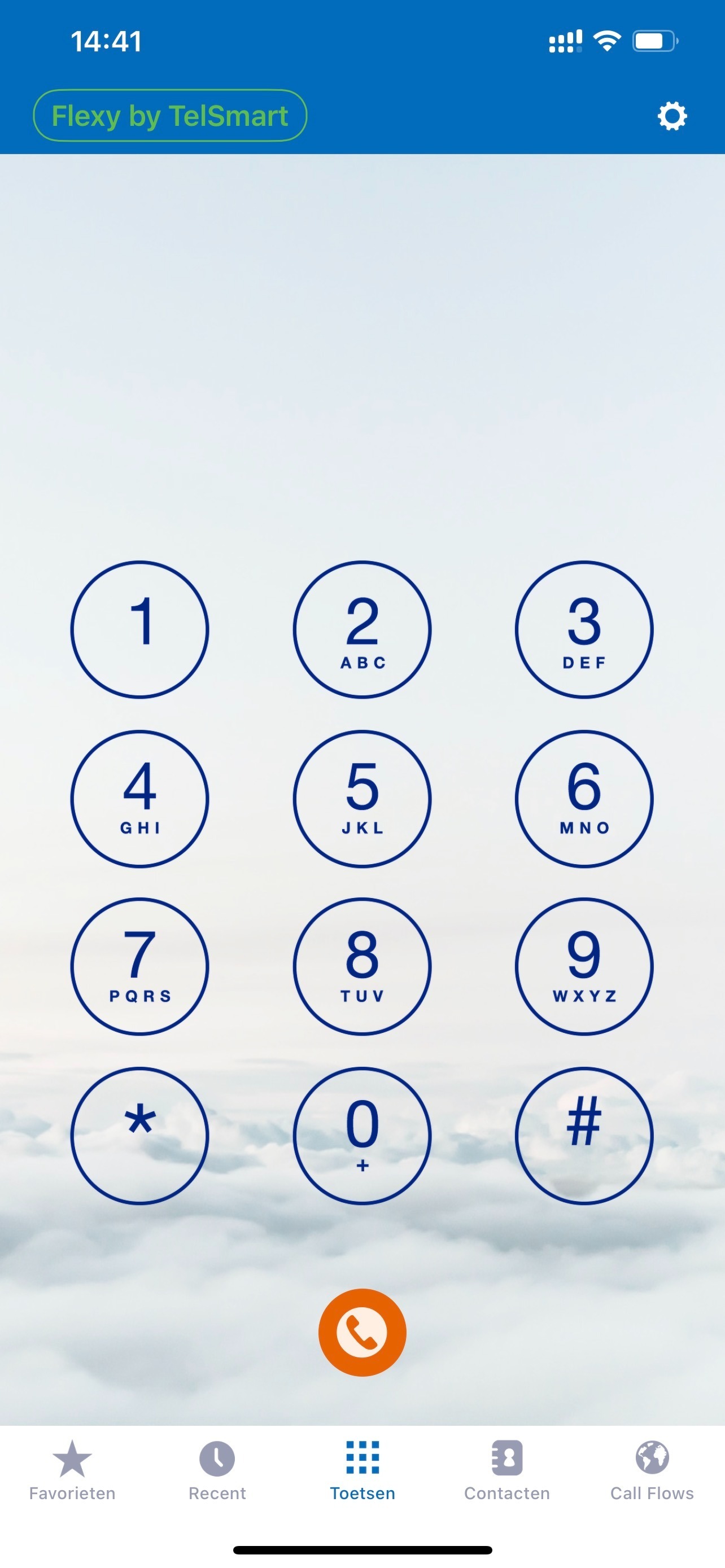
Android Installation
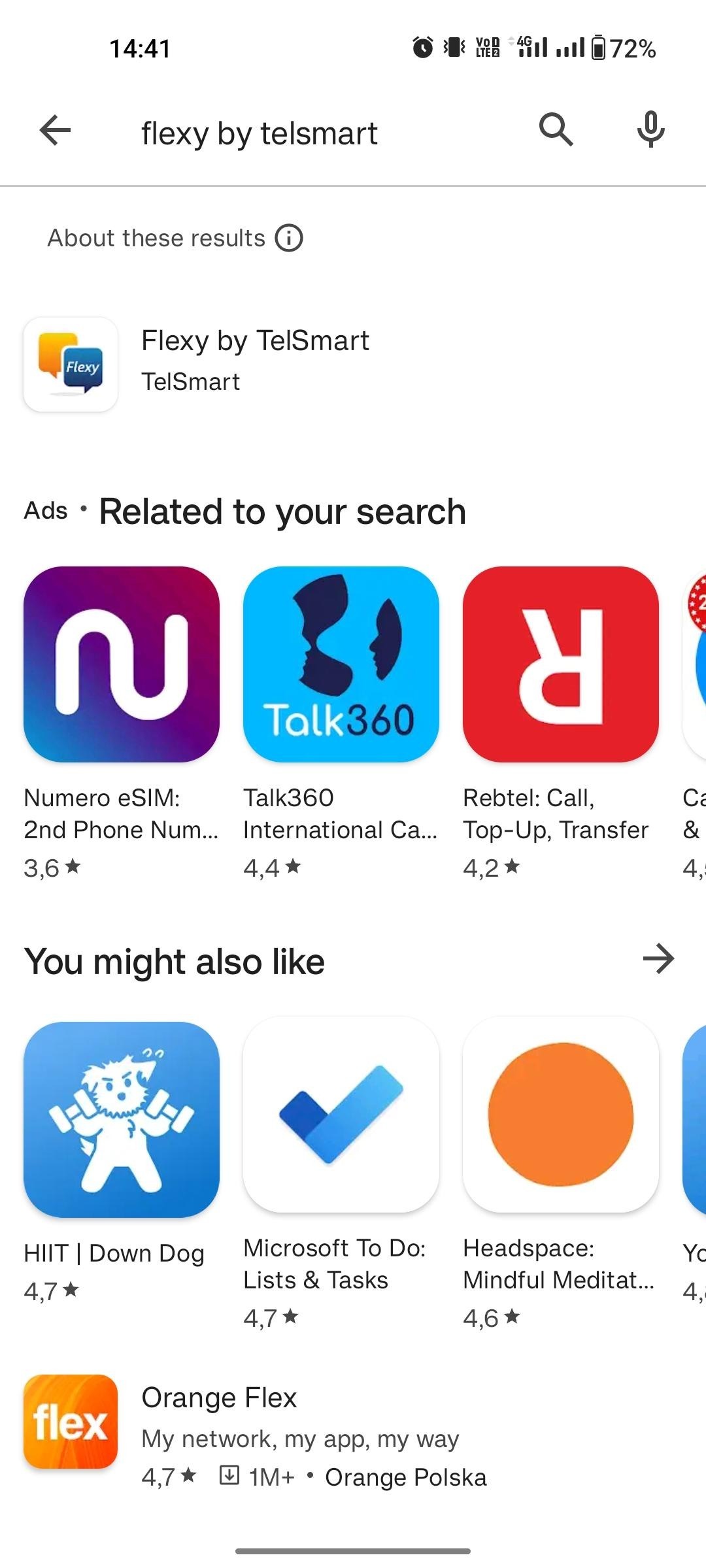
Step 1: Open the Playstore and search for Flexy By Telsmart.

**Step 2: Click on search and then press on Flexy by Telsmart.
**
Step 3: Click install. 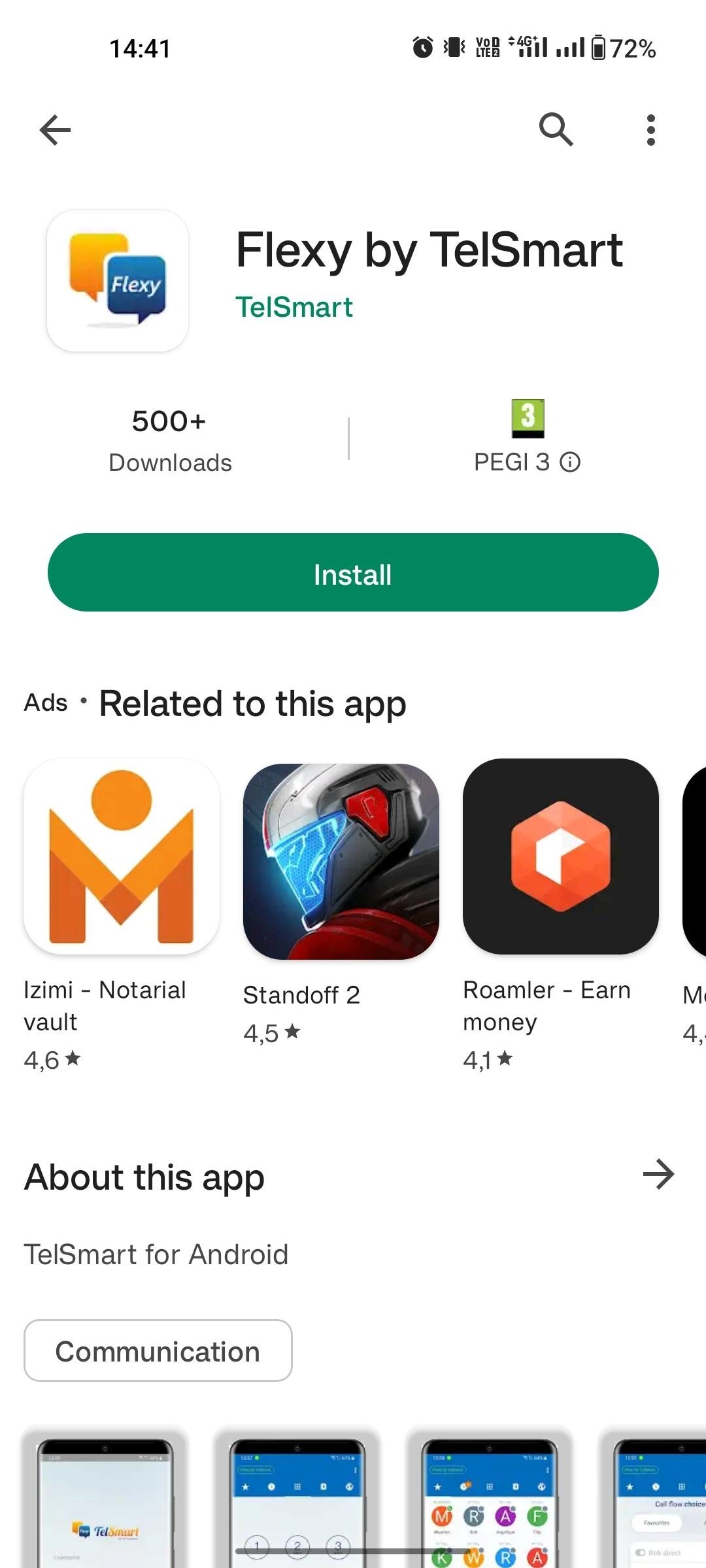
Step 4: After installation, open the application & enter your login + password. 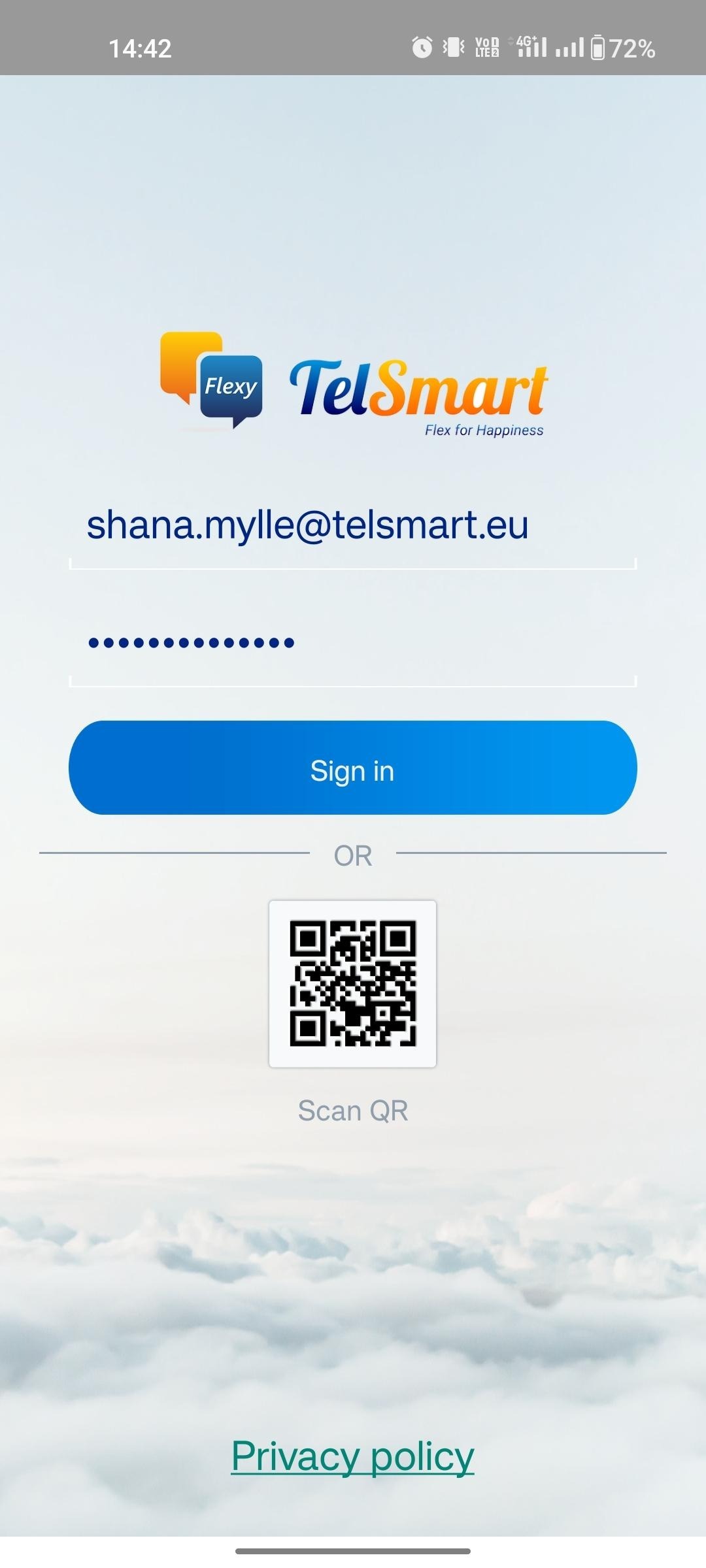
Step 5: After registration, allow the following accesses to Flexy Mobile.
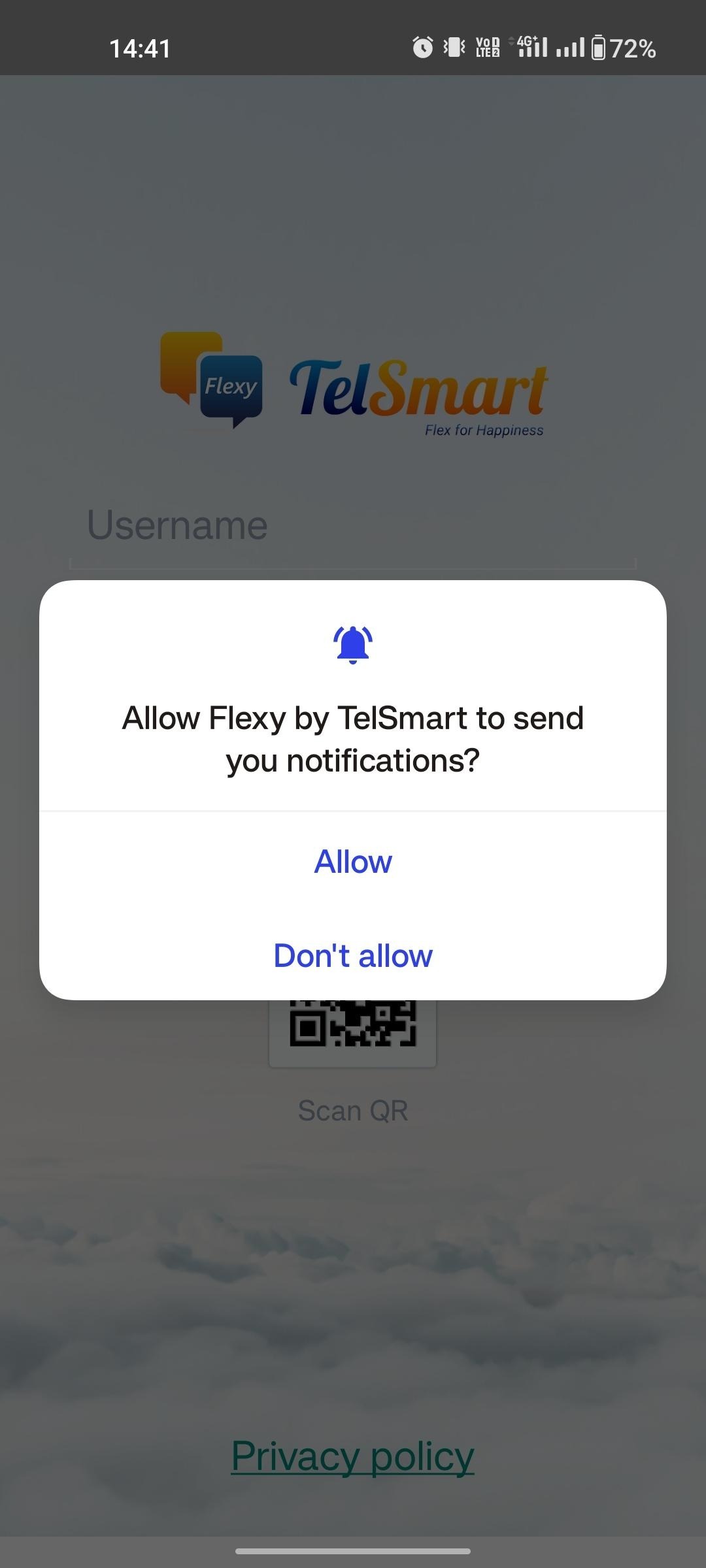
Allow the application to send you notifications:
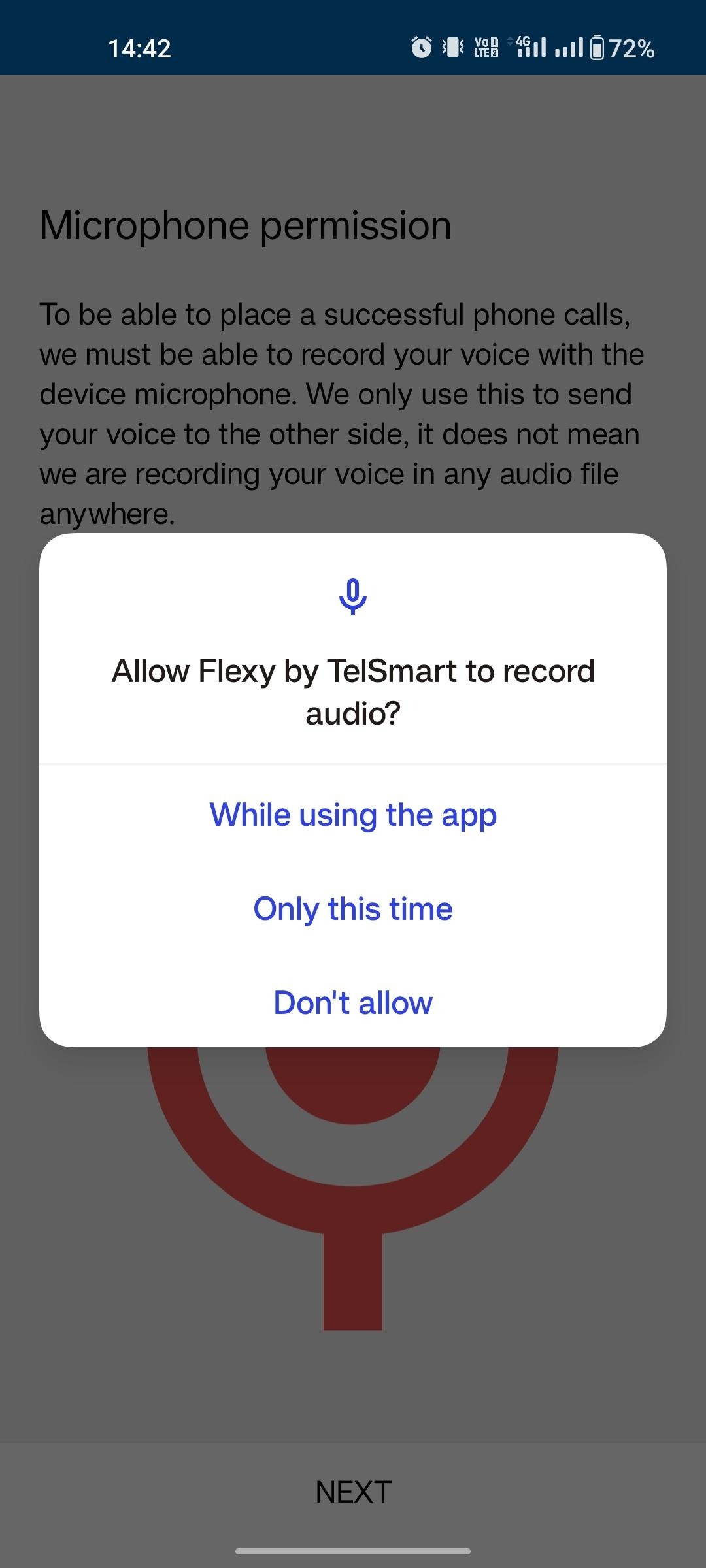
Allow the application to control your microphone:
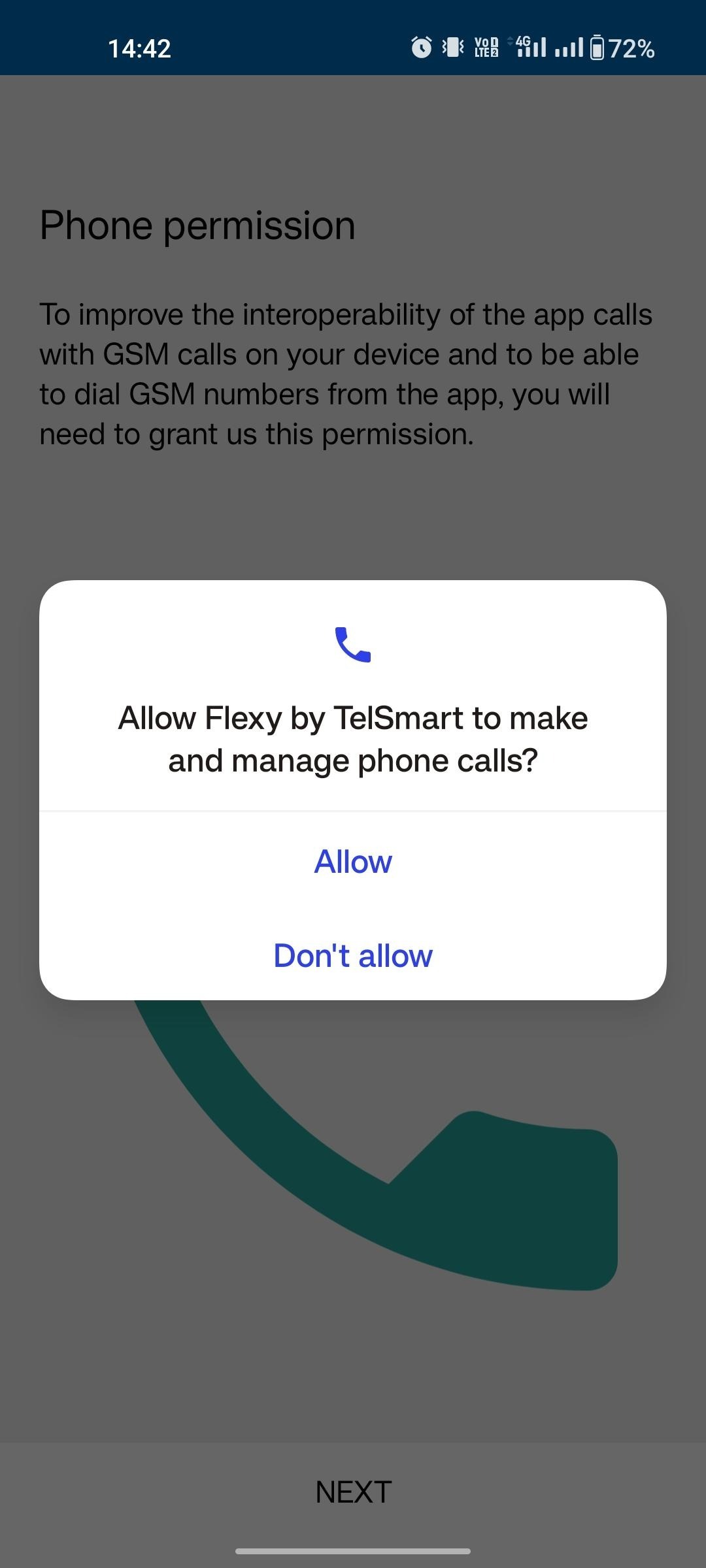
Allow the application to initiate calls.
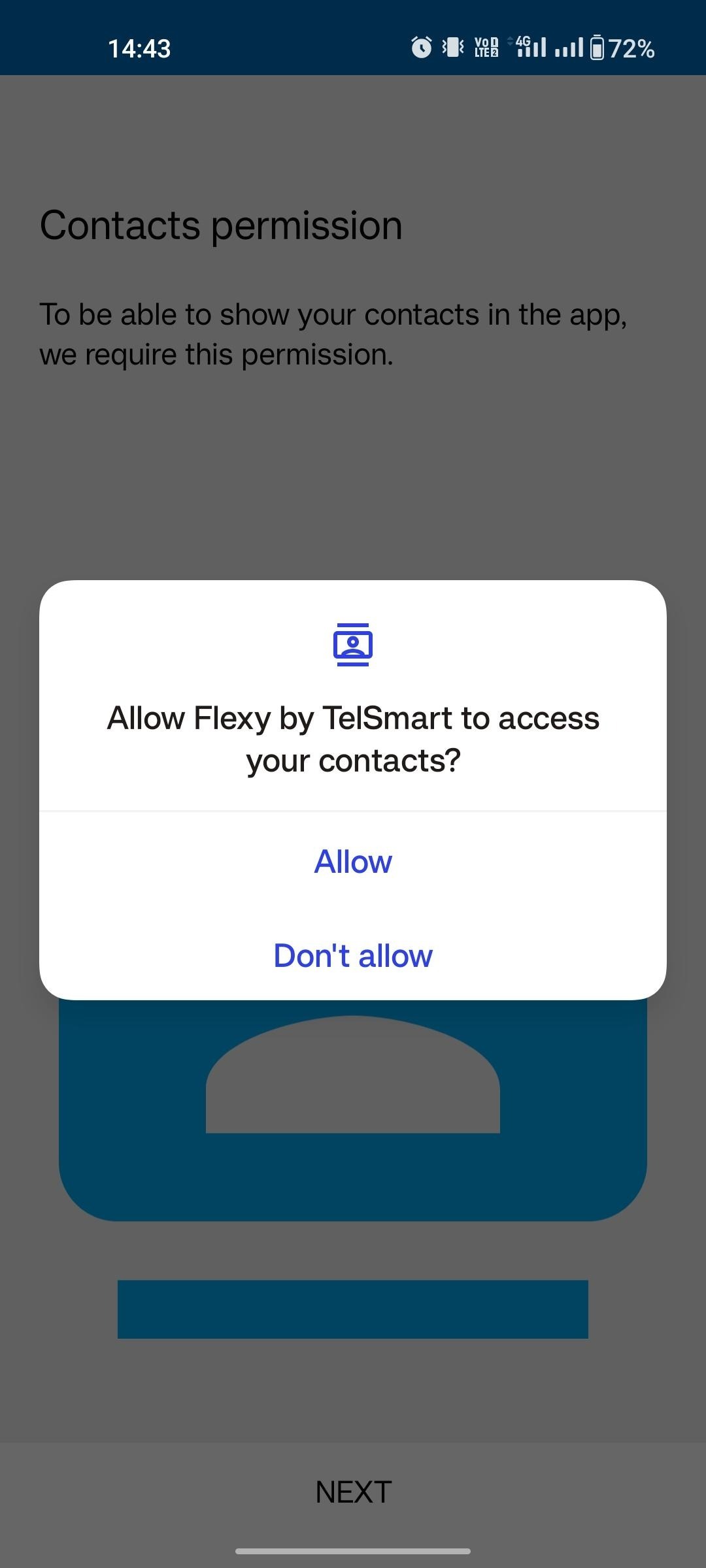
Allow the application to access the phonebook:
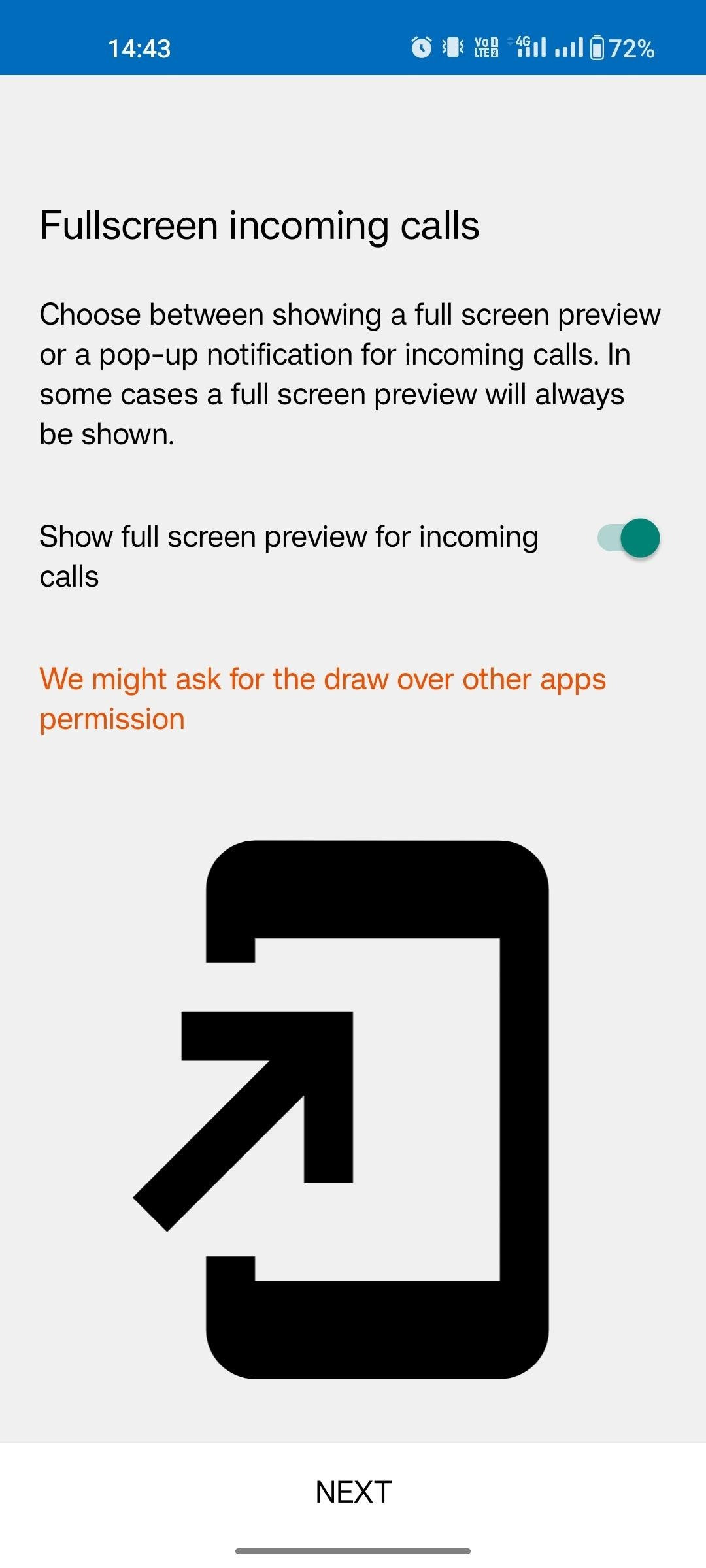
You can choose that an incoming call is also displayed in full screen.
Step 6: After completing all the above steps you are logged in and you can use our Flexy Mobile application.